

In this article, you’ll learn:
Proper folder structure is one of the biggest make-or-break parts of any DAM setup.
In this article, we’re sharing a detailed guide on how organizations can build a folder structure that actually makes sense inside a DAM. When the hierarchy is clear and intuitive, teams get more value out of their digital assets: files are easier to find, search works better, and collaboration becomes a lot less painful.
Why Folder Structure is Important
Yes, DAM systems have plenty of advanced features. But the folder structure inside the platform still affects everything: how quickly people can navigate, how often files get duplicated, and whether teams trust they’re using the right version.
A good folder structure keeps assets organized in a way that feels logical. It creates a visual hierarchy that reflects how the company works, so people don’t have to stop and think, “Where does this go?” They can usually guess the right place — and be right. That saves time, reduces frustration, and makes sharing assets easier, which directly improves day-to-day productivity.
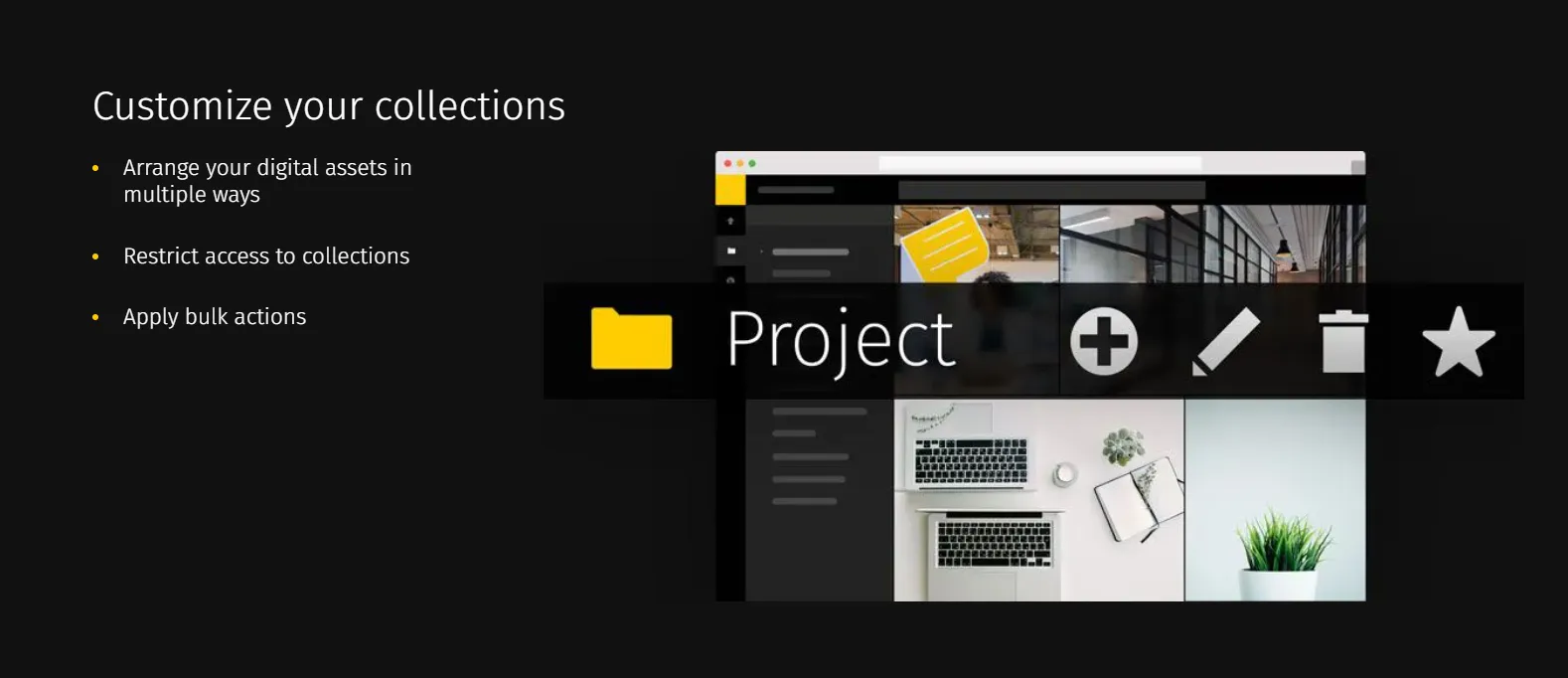
A strong structure also helps with consistency. When folders follow a clear logic — and naming rules are the same across the board — you’re less likely to end up with duplicates, misplaced assets, or “final_final_v3” situations scattered across the library. People can find the correct file faster, and they’re more confident it’s the latest version. That reduces mistakes and the usual back-and-forth.
Overall, folder structure is the backbone of a DAM. If the backbone is messy, everything else feels harder than it should.
Step-by-step Guide for Making DAM Folder Structure that Works
Let’s break down the practical rules for creating a folder structure that stays usable over time — not just in week one.
Understand What You Have and What You Need
Before building folders, you need a clear picture of what you’re managing and who is going to use it. That initial understanding is what makes the structure work later.
Start with the asset types your organization handles. It might be images, videos, audio files, documents, design files, and more. Each type comes with its own quirks — file formats, sizes, and the kind of metadata you’ll want to store — and that influences how you organize things.
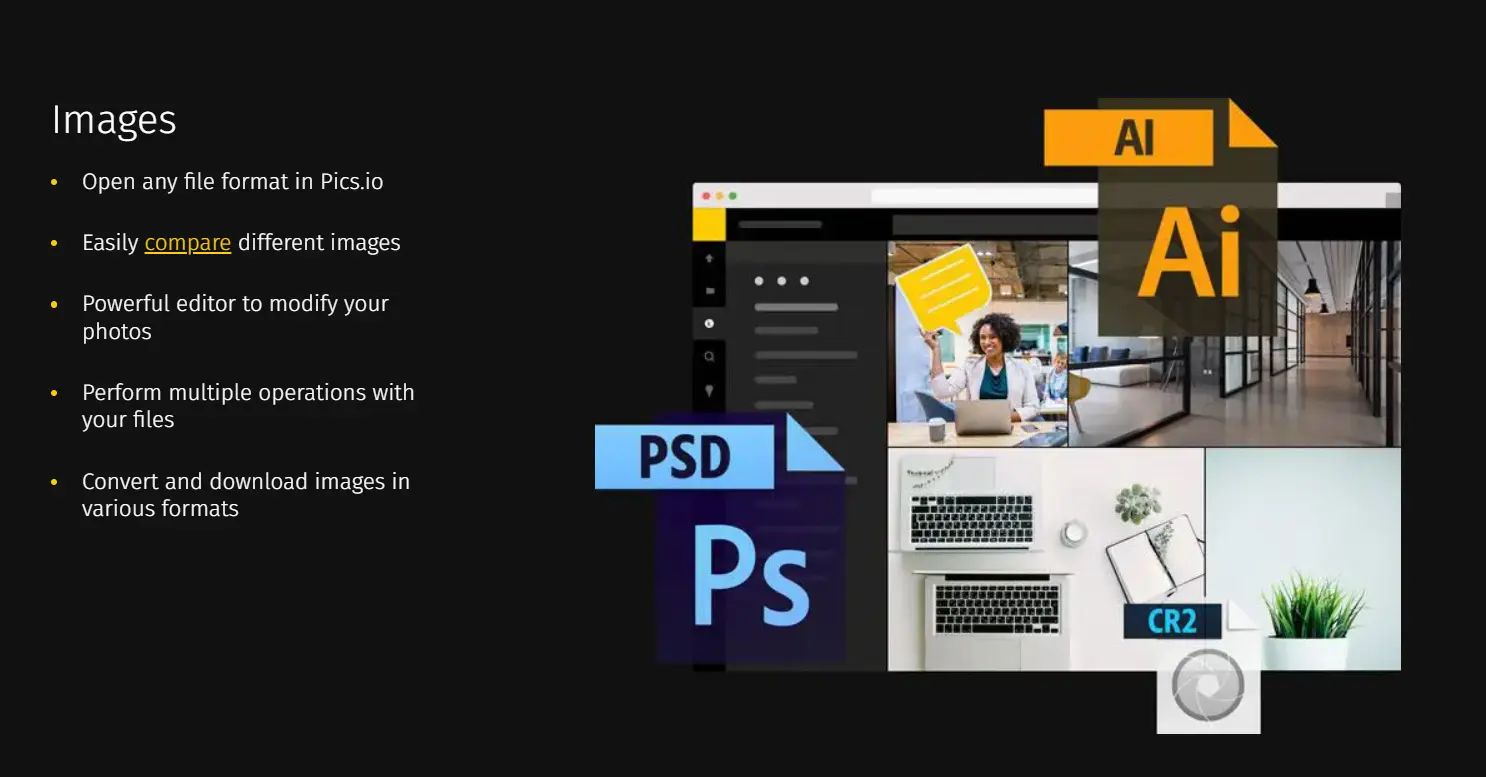
Next, think about roles and permissions. Different teams need different things. Marketing might mostly work with approved promotional visuals, while designers may need access to source files. Sales might only need final versions. Understanding who needs what helps you design both the structure and the access logic.
Finally, map out how work actually happens. How are assets created? Where do reviews and approvals happen? How do people share files internally and externally? A folder structure should support the workflow you already have — and help clean up the parts that are currently messy.
Come Up With Folder Hierarchy
Once you know what you’re organizing, you can start building the hierarchy.
First, define your top-level categories. These should be the main buckets that make sense for your organization. Some teams organize by file type (Images, Videos, Documents). Others organize by department (Marketing, Sales, HR). Either way can work — the important part is that users can understand it instantly.
For example, if you’re a photographer, sorting by events or themes often feels natural: Weddings, Birthdays, Graduation, and so on. That kind of structure is easy to browse without relying on search.
After that, add subcategories where needed. Under Images, you might separate Product Images, Stock Photos, and Event Photos. The goal is to keep folders from turning into one giant dump where nothing is easy to scan.
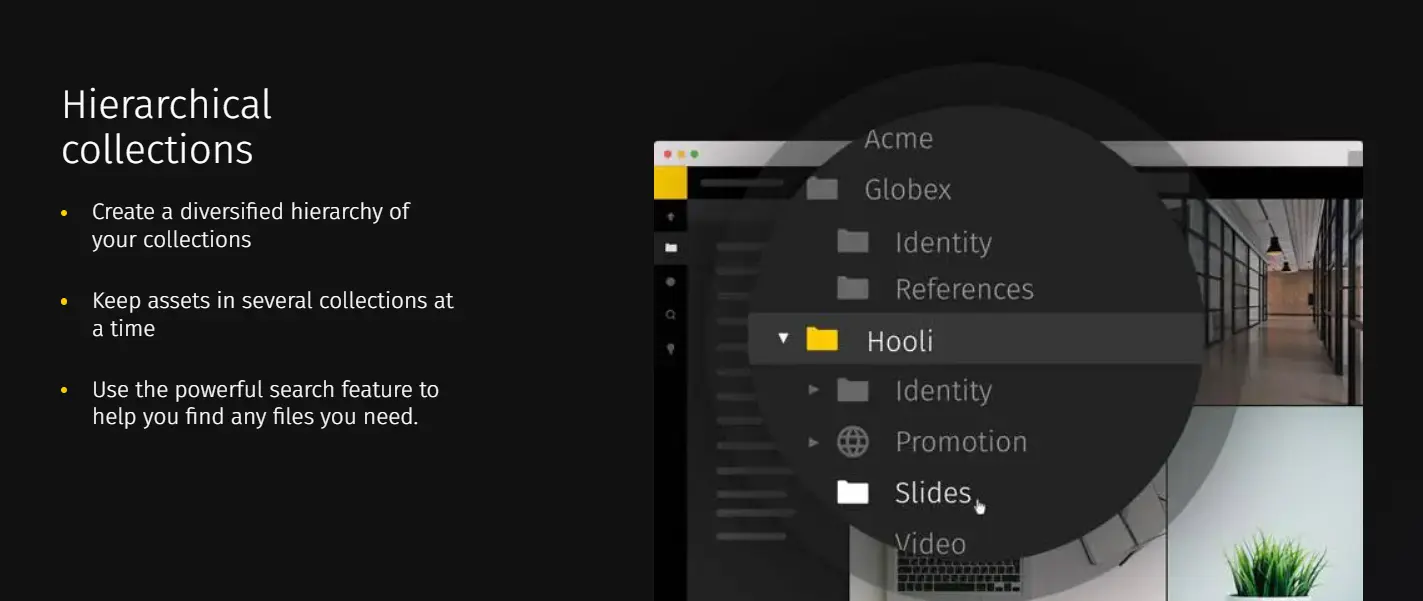
With Pics.io DAM solution, you can also share folders outside the platform. You can create a web page for selected assets and simply send a link to whoever needs to review them.
While you’re building the hierarchy, think ahead. Your library will grow. New teams may appear. New asset types will show up. If the structure is too rigid, you’ll end up rebuilding it later. If you design it with expansion in mind, you’ll save yourself a lot of future cleanup.
Apply Consistent Naming Conventions
Folder structure falls apart quickly if naming is inconsistent. People may follow the same hierarchy, but still store things in the wrong place if names are unclear or interpreted differently.
Here are three key things to keep in mind:
First, consistency makes navigation easier. If everything follows the same rules, users don’t have to guess what a folder name means.
Second, set clear naming rules for folders and files. Decide what should be included — asset type, date, project name, version number, keywords — whatever makes your content easy to recognize.
Third, choose a naming pattern that fits your workflow. For images, something like "YYYYMMDD_Description_Version" (e.g., 20260115_SampleImage_v2) can work well. For folders, "Department_Project_Date" (e.g., Marketing_Campaign_2026) is another common approach. The exact format isn’t the point — the repeatability is.
Incorporate Metadata and Tags
Folders help with structure, but metadata and tags are what make large libraries searchable and flexible. Most DAM systems include them, and they’re what helps you avoid relying on folders alone.
Metadata is the descriptive layer: title, description, keywords, author, creation date, and other fields that explain what a file is. It lets users understand an asset without opening it. For example, in a product image library, metadata like product name, color, and resolution makes searching far faster.
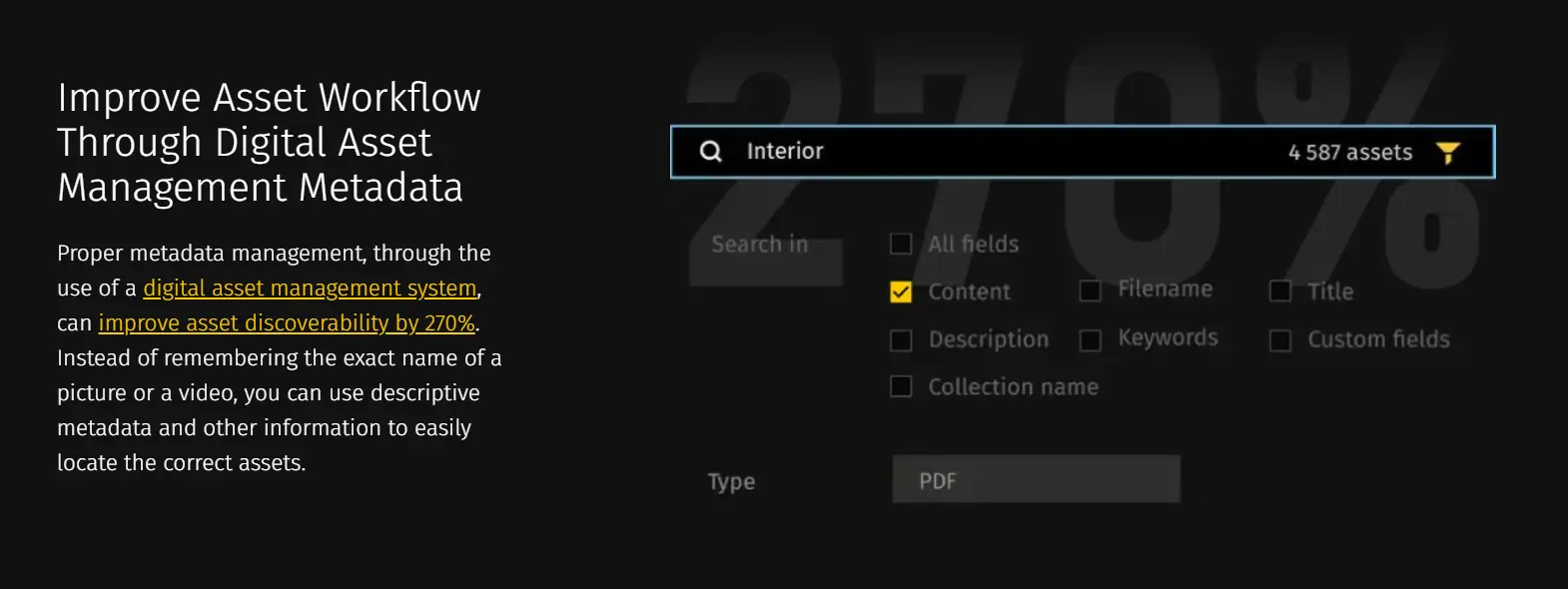
Tags add another layer of organization. They act like labels that help group assets by campaign, location, target audience, or other attributes. Tags make it easier to pull related assets together even when they live in different folders.
With metadata and tagging, users can search, retrieve, and categorize assets much more efficiently.
 Pics.io Team
Test and Optimize
That said, folder structure is never truly “done.” You need to test it and adjust over time. Pay attention to how easy it is to navigate, whether search results are clean, and how users feel when they work inside the library. Feedback and periodic reviews help you refine the structure and keep it usable as the organization grows.
Conclusion
Building a DAM folder structure comes down to three main steps: create a clear hierarchy, enforce consistent naming, and use metadata and tags to improve discoverability. When these pieces work together, your assets become easier to manage, easier to find, and easier to share — and collaboration inside the DAM gets much smoother. A strong folder structure helps teams get real value from the DAM system they’re already using and keeps asset management efficient as the library grows.
Did you enjoy this article? Give Pics.io a try — or book a demo with us, and we'll be happy to answer any of your questions.


