

In this article, you’ll learn:
People usually start looking for a Dropbox alternative because the cracks get harder to ignore. A few files turn into thousands. Shared folders multiply. Naming gets messy. Marketing cannot find the approved image. Product has one set of assets, sales has another, and nobody is fully sure which one is current.
That is usually the real reason teams move on. Because simple file sharing stops being enough.
Some teams need tighter security, some need better collaboration with the tools they already use. And some, especially creative and marketing teams, need more than storage altogether. They need a system that helps them organize, find, review, and distribute assets without turning every launch into a scavenger hunt.
Quick comparison
| Tool | Best for | Storage model | What stands out | What to watch |
|---|---|---|---|---|
| Pics.io | Creative and marketing teams working with lots of visual content | DAM layer on top of existing storage | Better search, metadata, approvals, version control, and smoother asset workflows | Strongest fit when the issue is asset management, not just file storage |
| Google Workspace | Teams already living in Docs, Sheets, Gmail, and Meet | Pooled storage per user | Great for real-time collaboration on everyday work files | Not built for deeper asset governance or visual content workflows |
| Tresorit | Teams handling sensitive files and stricter security requirements | Secure cloud storage with an encryption-first approach | Strong privacy and secure external sharing | Can feel expensive and less flexible for everyday collaboration |
| MEGA | Privacy-focused users and small teams that mainly want encrypted storage | Encrypted cloud storage | Good privacy angle and a simple way to store and share files securely | Less depth for admin controls and business workflows |
| Microsoft OneDrive | Microsoft 365 and Windows-first teams | 1 TB per user on the entry business tier | Familiar choice for Office files, Teams, and Windows-based workflows | Better for documents than for creative asset operations |
| pCloud | Teams that need affordable storage for large files | Business plans start at 3 users / 3 TB | Good value and easy handling of large files | Not the strongest option for live collaboration or structured workflows |
| Box | Enterprises that care about permissions, compliance, and admin control | Business plans advertise unlimited storage | Strong governance and external collaboration controls | Heavier setup and more enterprise-style than some teams need |
| Sync.com | SMB teams sharing sensitive documents with clients or partners | 1 TB per user or unlimited on higher tiers | Privacy-focused sharing and simple team plans | Less appealing for teams that rely on live co-editing |
| Internxt | Buyers looking for a lighter privacy-first option | Annual, lifetime, and business plans | Straightforward zero-knowledge positioning | Smaller ecosystem and fewer mature team features |
| Icedrive | Cost-conscious users focused on storage, backup, and archive | Annual and lifetime plans | Clean interface and lower long-term cost appeal | More limited collaboration and admin depth |
When Dropbox is still enough
Not every team needs to move away from Dropbox.
Dropbox is still a reasonable choice when the main job is simple: store files, sync them across devices, and share them without too much friction.
It usually still works well when:
- your team is small and mostly needs folders, links, and basic access control;
- most of your files are documents, decks, spreadsheets, and general team materials;
- people can still find what they need without detailed metadata or structured approval flows;
- you are not managing a large volume of brand, product, or campaign assets;
- version mix-ups happen sometimes, but not often enough to slow everyone down;
- your current setup is easy to understand and nobody feels real pain yet.
The problem starts when storage is no longer the real issue.
That is usually the point where teams start asking things like:
- Which one is the approved version?
- Can this asset be shared outside the company?
- Why do we have three copies of the same file?
- Where is the right size for web, email, or ads?
- Who updated this, and when?
So yes, Dropbox is still enough for some teams. Especially smaller ones with simple workflows. But once the bigger problem becomes control, findability, approvals, and distribution, you usually need more than cloud storage.
Top 10 Dropbox alternatives
Sites like Dropbox offer different feature sets — from simple file storage to full-scale digital asset management. To find the one that truly fits your needs, it's worth exploring each option in detail.
Pics.io
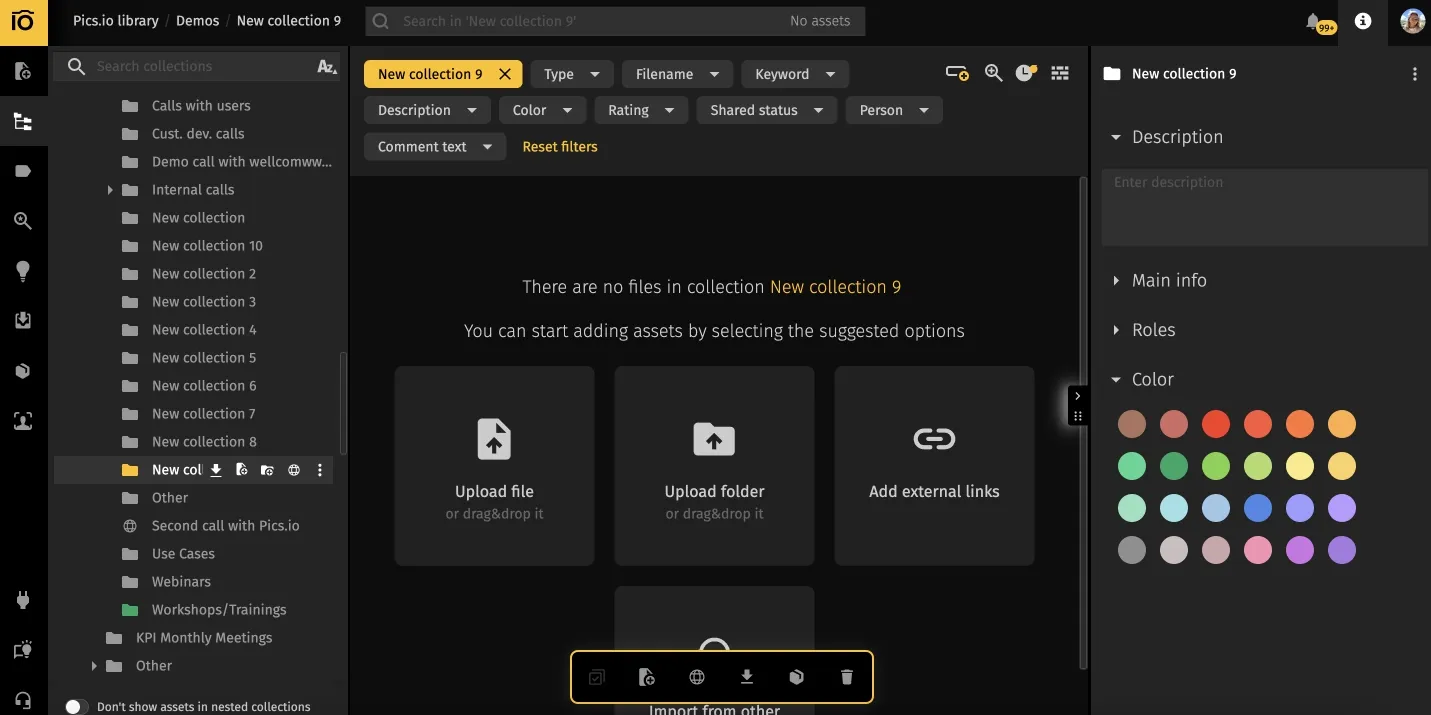
What I liked: Pics.io helped keep our visual library under control once the folder-based approach started falling apart. Search was better, approvals were easier to track, and version confusion came up far less often. I also liked that it works on top of storage you already use, so it feels more like adding order to the workflow than replacing everything at once.
Where it bit us: It's not cheap (starts from $100/mo), and it's overkill if you just need "folders in the cloud." Also, setup requires planning—you need to think through the structure of your library and workflows upfront.
I'd pick it for: Creative teams, ecommerce ops, agencies drowning in assets. If your bottleneck is finding and distributing content (not just storing it), Pics.io transforms the workflow. Pair it with Drive or Amazon S3, and you can manage files in storage you already use instead of paying for a separate asset library.
Google Drive
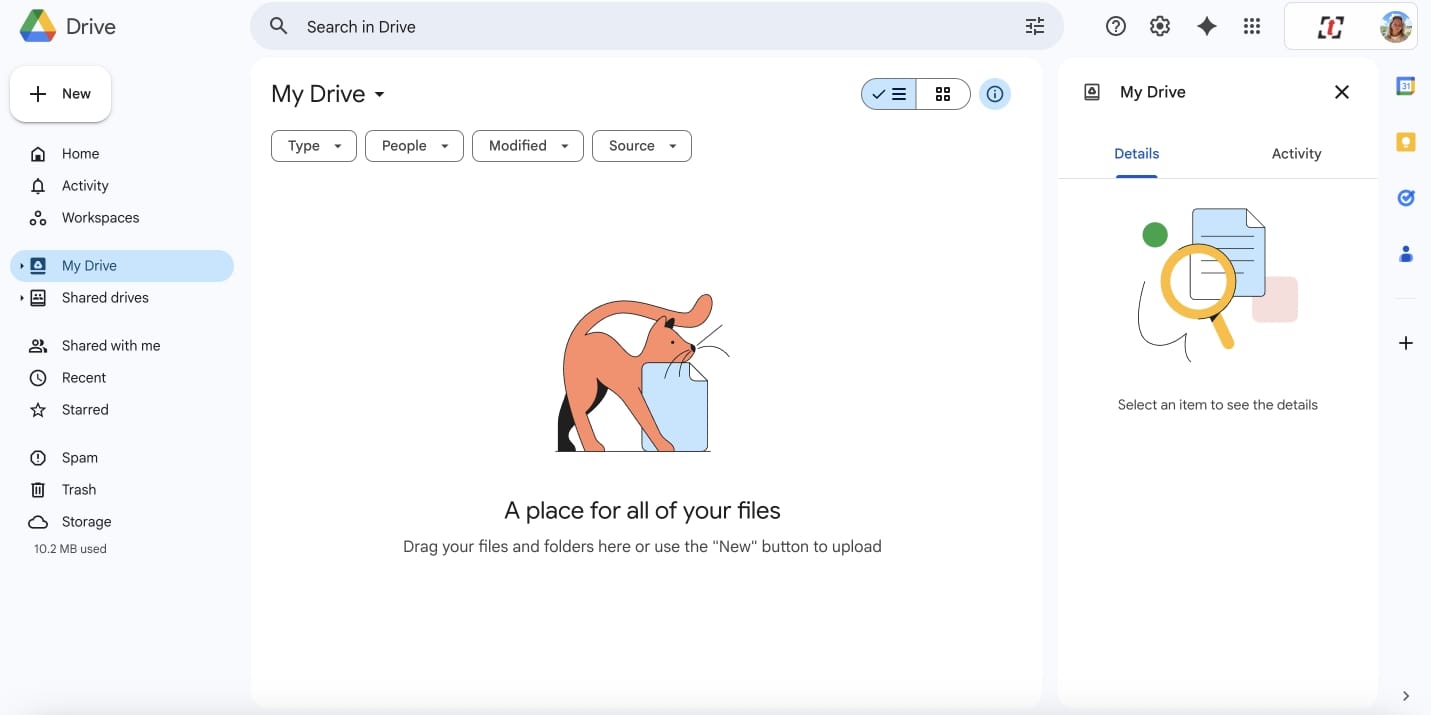
What I liked: Long ago, I migrated our 10-person marketing team here, and people just... got it. The "Share" button works exactly how non-technical folks expect. When someone @mentions you in a Doc, you see it on mobile/email instantly. That's the magic—it feels invisible.
Where it bit us: Privacy nerves with businesses from regulated industries. Google can technically see your sensitive files (no end-to-end encryption), and for some NDAs, that's a deal-breaker. Also, link-sharing controls are fine but not granular enough for nitpicky legal teams, and limited sync options don't help either.
I'd pick it for: Any small to medium-sized team already living in the Google ecosystem and relying heavily on documents and spreadsheets rather than visuals. Don't overthink it—the collaboration tools for office documents are unmatched.
Tresorit
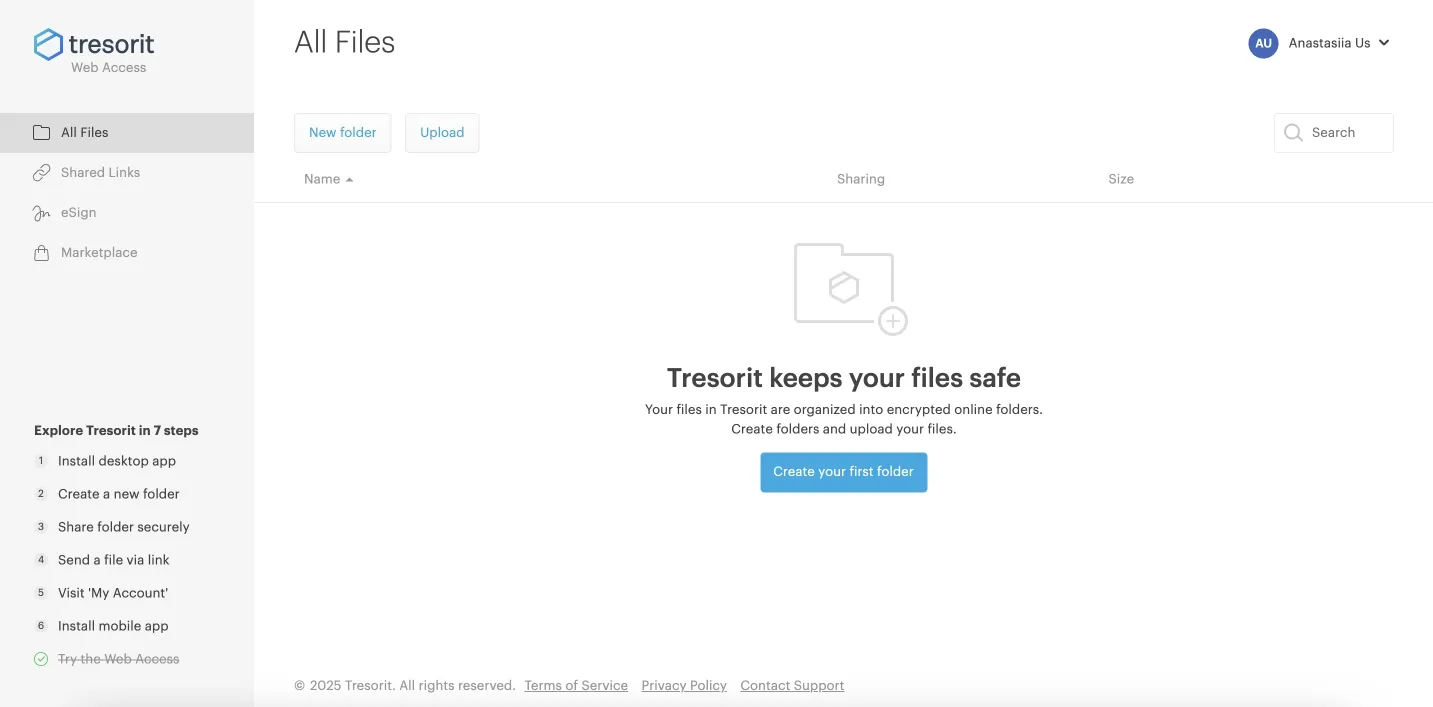
What I liked: Tresorit felt serious from the start. It is clearly built for teams that care a lot about privacy, access control, and where data lives. Sharing was secure without being too awkward, and the permission settings gave more confidence than most mainstream file-sharing tools.
Where it bit us: The tradeoff is convenience. It takes more explaining during onboarding, especially for people who are used to simpler tools. Day-to-day collaboration also feels more limited, so while it works well for secure storage and sharing, it is not the smoothest option for fast-moving teams working together all day.
I'd pick it for: Security-critical businesses where compliance outweighs convenience: healthcare, legal, defense contractors.
MEGA
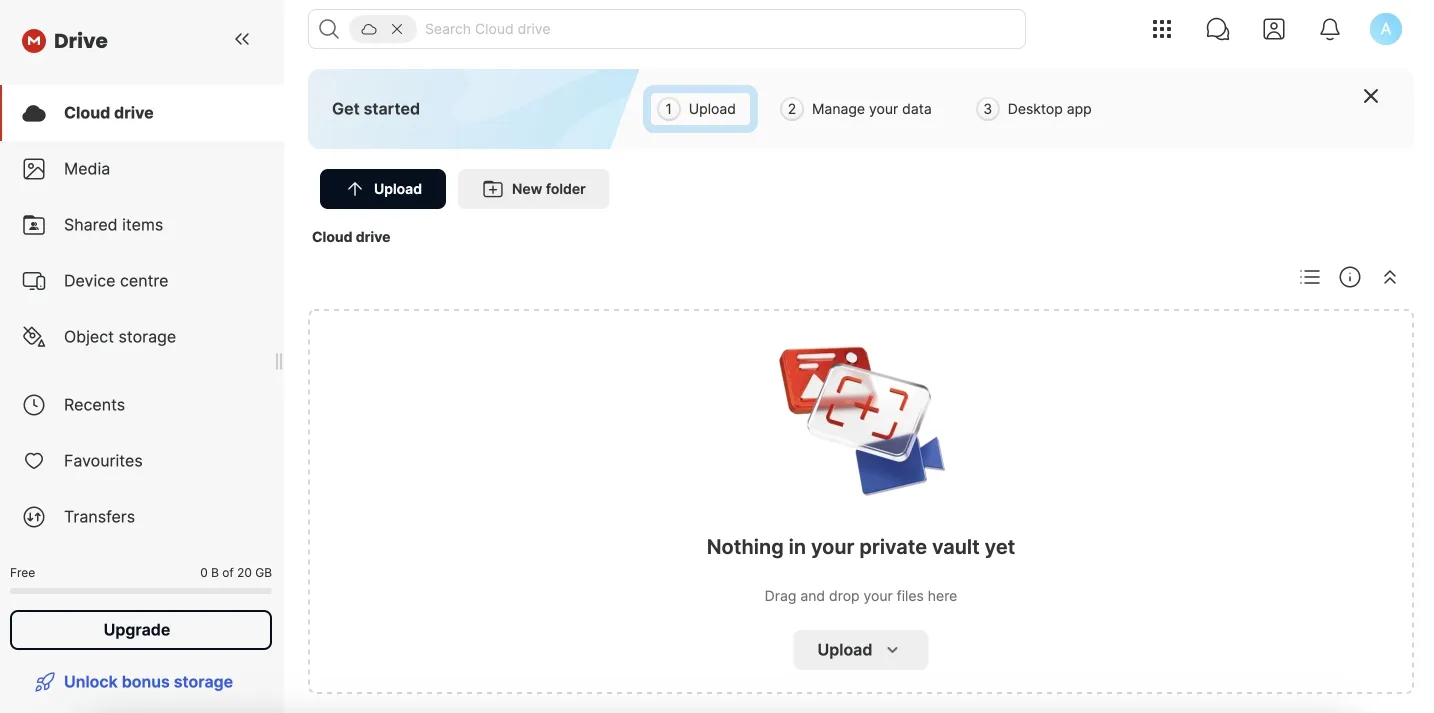
What I liked: Twenty gigabytes free — truly generous free storage. I uploaded a personal photo library just for a test. Sync was fast, end-to-end encryption worked invisibly, and the desktop client felt surprisingly clean.
Where it bit us: Collaboration features are sparse—no real-time editing, limited team controls. It's personal cloud storage, not a Google Workspace competitor. Also, past controversies around the founder (Kim Dotcom) make risk-averse enterprises nervous.
I'd pick it for: Personal use or small teams that want privacy, generous free storage, and don't need bells and whistles—a pragmatic free Dropbox alternative.
Microsoft OneDrive
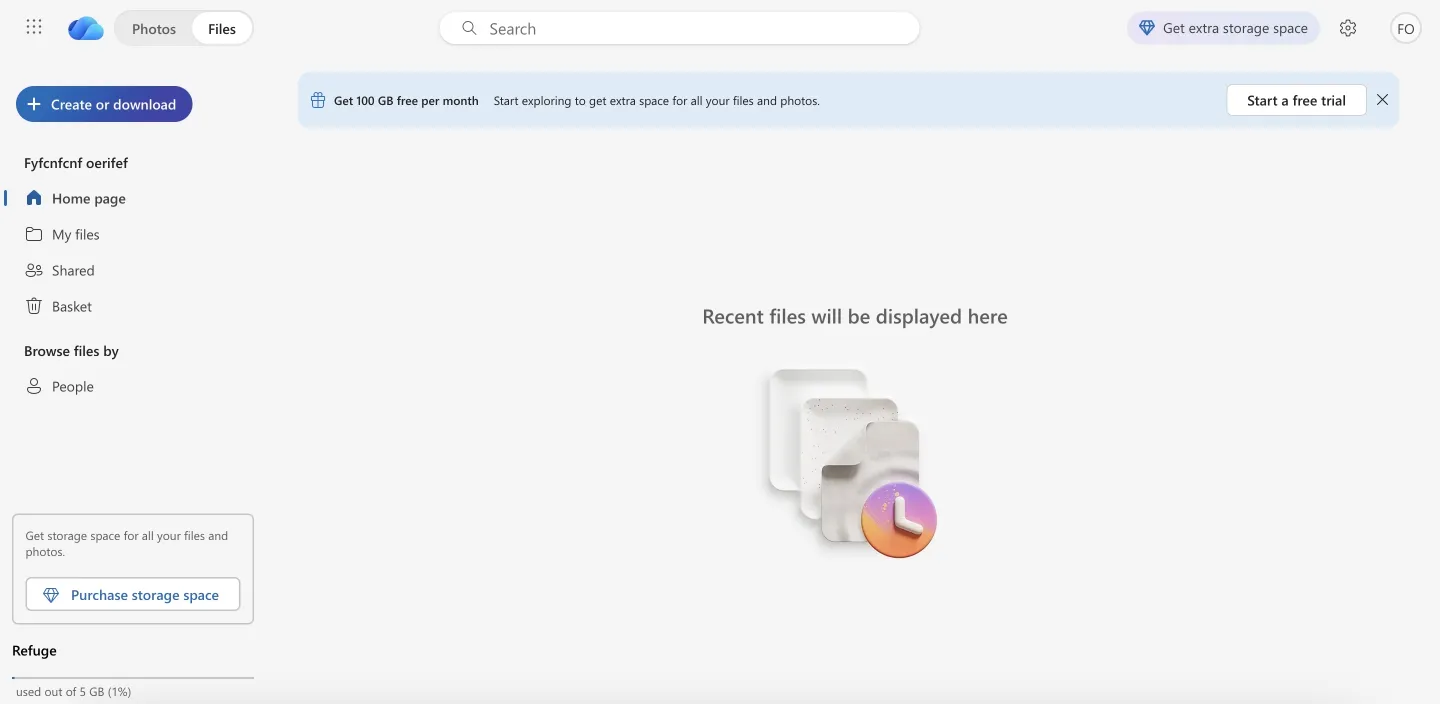
What I liked: No training needed. Files appeared in File Explorer like magic. Team meetings linked straight to folders, and Excel co-authoring actually worked without that "wait, who has it open?" dance (finally!). The Windows OS integration is genuinely seamless.
Where it bit us: Sync client threw cryptic errors twice during large uploads (we're talking 100+ GB photo archives). I had to pause, restart, and restart to resolve the issues. Google Drive's sync felt more bulletproof in comparison. OneDrive doesn't offer end-to-end encryption, selective syncing is basic, and it's not great for multimedia collaboration.
I'd pick it for: Microsoft-first companies. If you're already in Outlook/Teams/SharePoint, adding another vendor for cloud storage is not easy.
pCloud
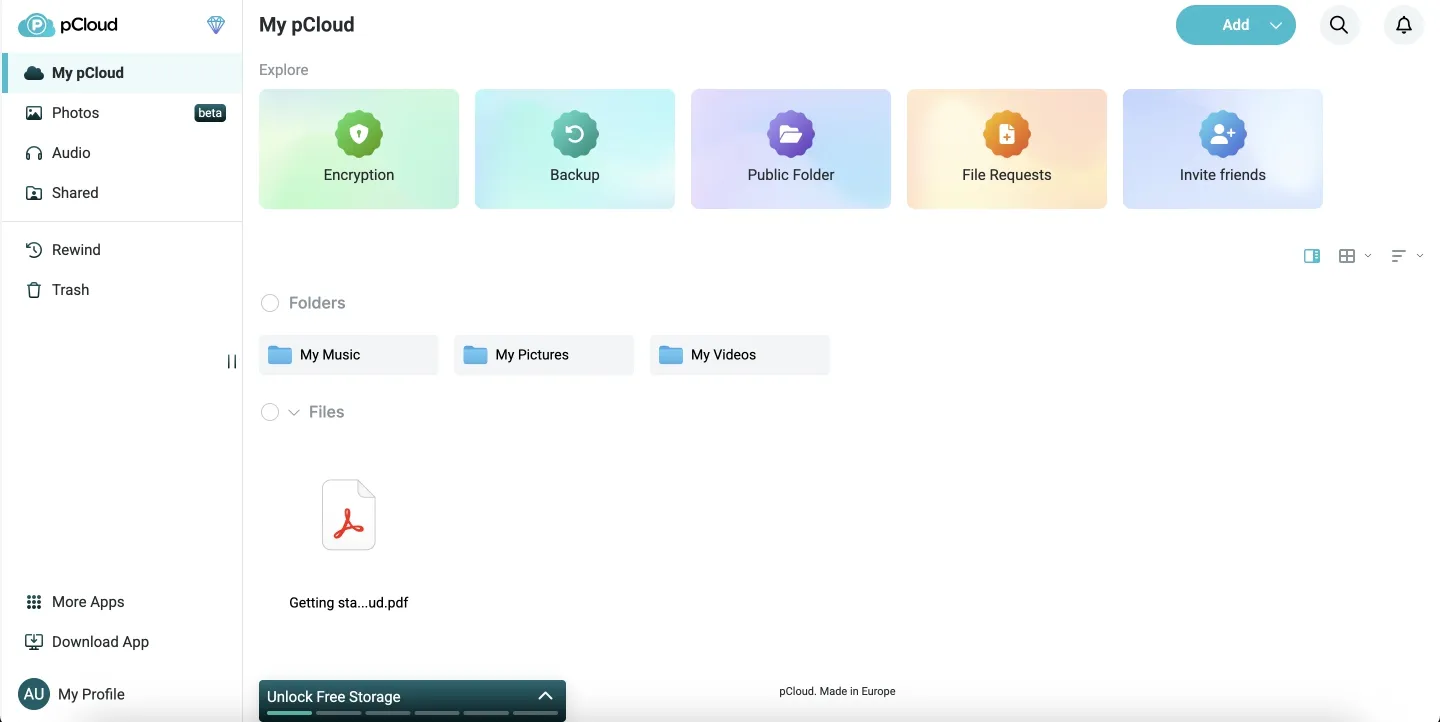
What I liked: pCloud was easy to like for straightforward file storage. Uploads were fast, the desktop app stayed light, and large media files played back without much friction. It also feels less subscription-heavy than a lot of competitors, which makes it appealing for teams that mostly want dependable storage without too much overhead.
Where it bit us: Real-time collaboration is... not the point. You can just share folders. Fine for archives; clunky for active co-editing. The web app can be a bit buggy at times, which makes navigation slightly frustrating.
I'd pick it for: Teams drowning in files who'd rather pay once than subscribe forever. Just get that Crypto add-on if privacy matters.
Box
What I liked: Control is exactly how compliance teams like it. You can lock down who can edit vs. comment vs. download, set expiration dates on shares, and get audit logs for everything. Watermarking, classification labels—it's enterprise-admin heaven. All business plans include unlimited storage and bundle convenient tools such as document signing, collaborative online docs, and a whiteboard.
Where it bit us: The free tier caps uploads at 250 MB per file. Also, the UX feels... corporate. Not bad, just not delightful. Your creative team will complain.
I'd pick it for: Regulated industries (healthcare, finance, legal) where "who touched what when" matters more than user delight.
Sync.com
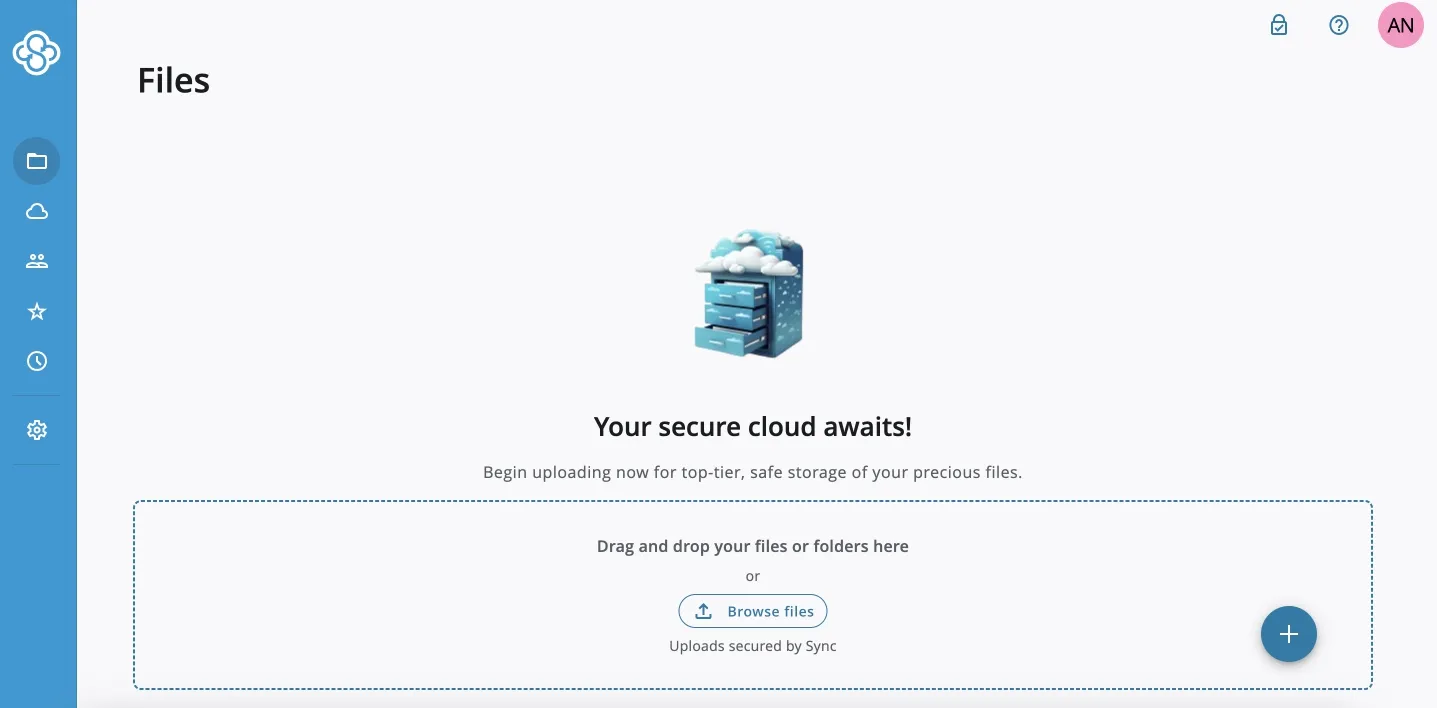
What I liked: Zero-knowledge encryption by default. Sharing a secure "vault" link is dead simple, and the 30-day file history can save the day. Sync settings are flexible too, letting you choose exactly which folders and files stay local versus cloud-only.
Where it bit us: Sync.com felt more comfortable as a secure file vault than as a daily collaboration tool. Once edits had to happen quickly across several people, the lack of native live editing became a pain. It was manageable, but the workflow felt slower and more manual than what many teams are used to now.
I'd pick it for: Anyone handling sensitive IP, legal documents, or NDAs. The privacy-first approach is baked into its architecture.
Internxt
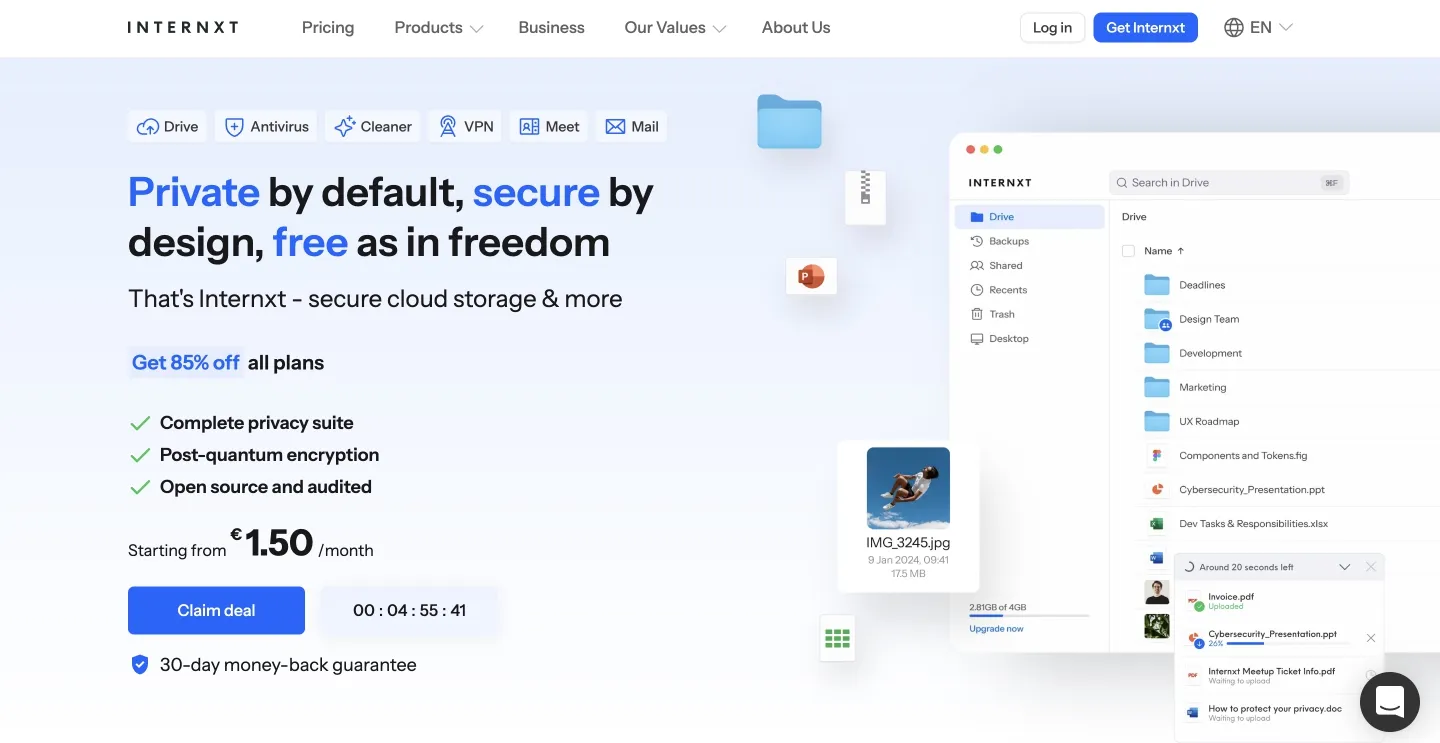
What I liked: Files are encrypted locally, stored across decentralized nodes, and the UI is clean. Pricing is surprisingly reasonable for lifetime end-to-end encryption, and the EU data-posture angle resonates if compliance is a daily concern.
Where it bit us: It's a smaller player—fewer integrations, less mature ecosystem. The mobile app works but feels minimalistic compared to Dropbox's polish.
I'd pick it for: EU-based teams or individuals who want ethical, encrypted, and affordable cloud storage.
Icedrive
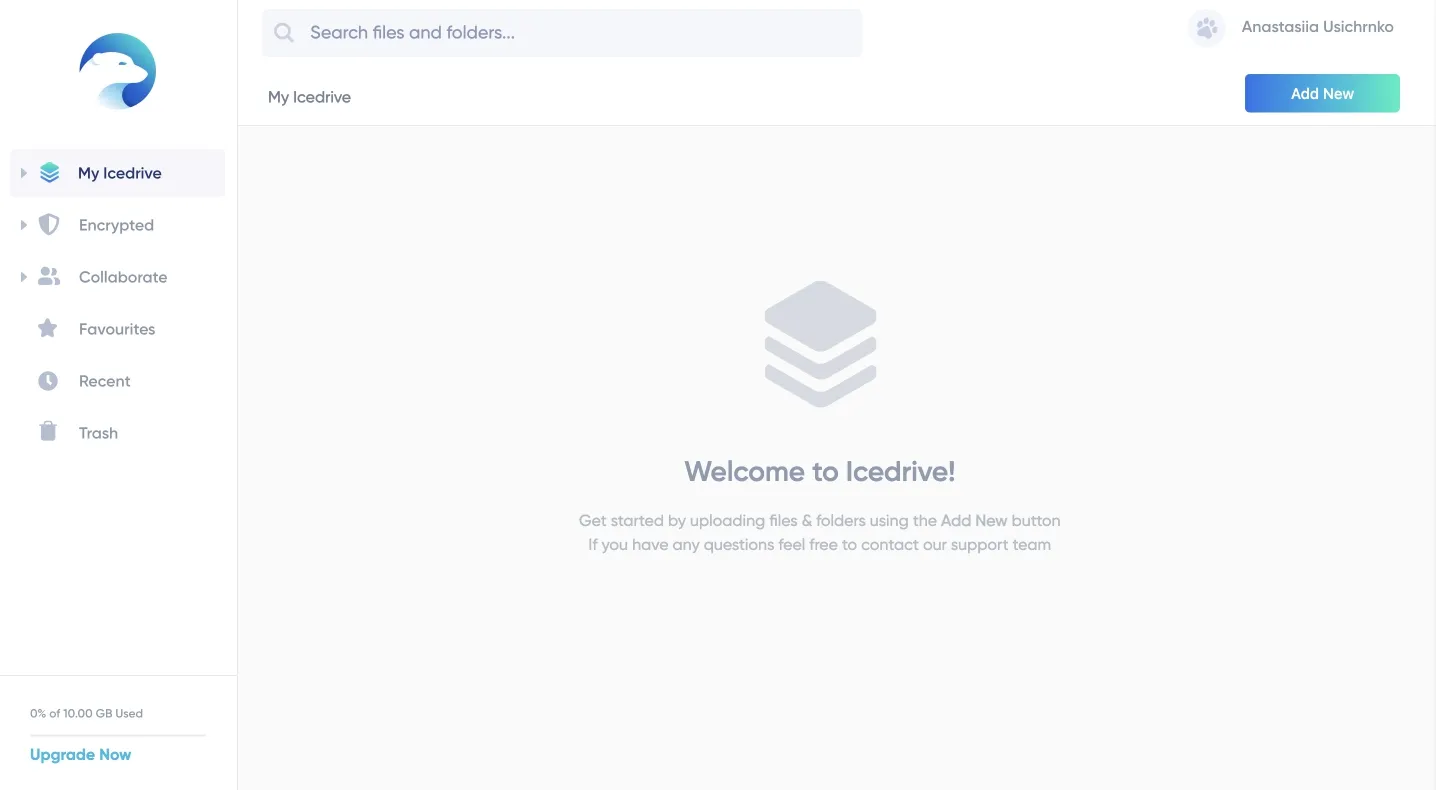
What I liked: Solid for archiving and backing up. Twofish encryption, clean user interface, decent sync speeds. The "lifetime" deals are available.
Where it bit us: Basic feature set. No advanced sharing controls, no team roles, no integrations worth mentioning. It's a vault, not a collaboration hub.
I'd pick it for: Budget-conscious solo operators or small teams who just need encrypted storage without monthly fees.
How I tested Dropbox alternatives
I tested each platform as if I were managing a small creative team of up to 10 people. The goal was: find tools that make daily collaboration easier. I uploaded brand assets, shared them with my teammates, and tested file versioning and recovery, as well as how quickly I could locate the right file later.
I also analyzed permissions, upload limits, and the search's intuitiveness. Here's what I focused on while testing each platform:
- Workflow fit: I imported 5 GB test files, shared links, simulated team edits, and observed sync behavior.
- Storage size context: I considered pricing and usability with 1 TB of collective cloud storage — helpful if you're seeking a Dropbox small-business alternative.
- Integrations: Google Workspace, Microsoft 365, and fit for media-heavy workflows.
- Administrative features: storage limits, sharing controls, rights, and roles.
- Pricing: I considered the starting price, the estimated cost for 10 users with 1TB of storage, and the scalability cost. Always verify current plans and inclusions on the vendor's official site!
- Use-case clarity: each tool is framed for its best use (privacy, media workflows, Microsoft stack, budget, enterprise, etc.).
In short, I looked for standout features that let you choose not just an alternative to Dropbox, but something much better for your particular use case.
Migration tips
Switching tools can feel painful, especially when you already have years of deliverables scattered across folders. But moving doesn't have to be chaotic. Here's how I approach it for our clients:
- Pilot first. Move one active project and mirror your workflow for a week.
- Map permissions. Recreate groups/roles before bulk import to avoid link chaos.
- Keep a shadow archive. Retain your Dropbox account for 1–3 months to address the edge cases.
- Document the new flow. Short Loom videos can help non-technical teammates adapt quickly.
- Roll it out gradually. Introduce the new tool to your colleagues and external partners, and arrange training and knowledge transfer.
Take these steps, and you'll glide through migration while your team gets to enjoy the new workflow.
Final verdict
Dropbox is still fine for plenty of teams. But once your team starts wasting time looking for the right file, checking whether it is approved, or cleaning up version confusion, you are dealing with workflow drag. That is the point where a Dropbox alternative starts to matter.
So the best Dropbox alternative is the one that removes the friction your team actually feels every week.
FAQ
Are there any free Dropbox alternatives?
Yes. Google Drive is one of the most common free options and includes up to 15 GB of free storage. MEGA also stands out with 20 GB on its free tier. Free plans are fine for testing or light use, but teams working with larger files usually outgrow them quickly.
How do I switch from Dropbox to another service?
The cleanest way to switch is to audit what is actually in Dropbox before moving anything. Sort files into active, archive, and outdated content first. Then map permissions, shared folders, and external links so nothing important breaks after migration. If the issue is only storage, moving is mostly technical. If the issue is workflow confusion, you also need to rethink naming, approvals, and ownership during the move.
How do I choose the right Dropbox alternative?
Start with the pain point, not the feature list. If your team needs better document collaboration, choose a tool built around that. If privacy is the priority, focus on encryption and access control. If the real problem is managing lots of visual content across teams, look beyond cloud storage and compare DAM-style tools as well. The best choice is usually the one that fits the way your team already works.
Did you enjoy this article? Give Pics.io a try — or book a demo with us, and we'll be happy to answer any of your questions.


