


Published: Dec 29, 2024
Last updated: Dec 29, 2025
In this article, you’ll learn:
You exported your 3D model. Now it’s buried somewhere in Google Drive between “Project_Final_v3” and “use_this_one_actually.fbx.” Your designer needs it for tomorrow’s presentation. Your client wants to review the latest iteration. The manufacturer is waiting for the approved version to start production.
And you’re clicking through folders, opening files one by one, hoping to recognize the right model by the thumbnail. Except there is no thumbnail. So you download files and open them in Blender until you finally find the one you need.
This is a constant scavenger hunt.
If your team works with 3D models alongside photos, videos, and design files, you need more than generic file storage. You need a DAM that can show what’s inside a model without forcing a download. You also need version control that doesn’t rely on file names. And you need context, like units and scale, to be visible, searchable, and hard to lose.
This guide covers DAM platforms that support 3D files inside broader media libraries.
Quick Overview
| Platform | Best for | 3D in-browser preview | 3D formats / approach | Versioning & approvals |
|---|---|---|---|---|
| Pics.io | Mixed libraries where 3D sits next to photos/video/design | Yes | Supports common 3D formats (OBJ/STL/GLB/FBX/PLY/3DS) | Strong (DAM-style workflows) |
| Daminion | Structured, technical cataloging (engineering/CAD-adjacent teams) | Yes (via extension) | Previews via 3D extension for FBX/IGES/STP/STL/OBJ/3DS; web viewing centered around GLB | Strong (catalog-first workflows) |
| Cloudinary | Dev-heavy teams delivering 3D to web/app (CDN + API + automation) | Limited (delivery-first) | Can deliver some 3D in different formats (e.g., OBJ→GLB, glTF→USDZ; not all conversions possible) | Basic (DAM workflows often built around it) |
| Brandfolder | Brand/marketing teams where 3D is part of the asset mix | Varies (verify) | Positions 3D asset management and download transformations (validate per format) | Strong (brand governance style) |
| Bynder | Enterprise DAM adoption with a simple 3D viewer need | Yes | 3D viewer supports GLB | Strong (enterprise DAM workflows) |
| Canto | Teams with occasional 3D files (mostly 2D/video/docs) | No / minimal | 3D treated as “Other”; can still be managed/shared/approved | Strong (for standard DAM flows) |
How We Tested
We didn’t treat “3D support” as a checkbox. We focused on the practical key features that affect day-to-day work: preview capabilities, search functionality, asset organization, metadata tagging, and the ability to handle different versions of the same model.
To keep this practical, we also sanity-checked workflows with real-world file types teams commonly struggle with:
- A larger STL file (manufacturing-style mesh)
- An OBJ package (OBJ + MTL + textures) to see whether “the model stays textured” through download/share
- A web-ready GLB model for fast browser preview and review
Some platforms feel like a powerful solution out of the box. Others need more technical expertise to configure properly. Either can be a suitable choice—it depends on your complex needs and whether you’re prioritizing a user-friendly interface or deeper control.
What Makes a DAM “3D-ready.”
Not all DAMs handle 3D files the same way. Some platforms call it “3D support” when they can store the file and show an icon. Others can open a model in a viewer but struggle when the scene is heavier than a demo asset.
If you’re choosing a DAM specifically for 3D, there are a few things that separate “we can host it” from “we can work with it.”
3D preview and viewer
Start with the simplest question: Can you look at a model in the browser without downloading it? A 3D-ready DAM lets you rotate and zoom, inspect quickly, and confirm what you’re looking at before you commit to a download.
Then comes the real test: does the viewer stay usable on real files? High-poly meshes, multiple materials, textures, and complex scenes can break “light” viewers. A smooth viewer is the difference between a fast approval and a review that keeps getting postponed.
If your workflow includes manufacturing checks or CAD-style validation, look beyond spin-and-zoom. Some viewers offer wireframe modes or inspection tools. Some even support measurement. Many don’t. The only reliable way to know is to test with models similar to the ones you ship.
Automatic thumbnail generation
If your library has dozens or hundreds of models, thumbnails stop being a nice-to-have. They become basic navigation. Without them, everything looks the same, and file names become the only clue.
A good DAM generates thumbnails for the formats you rely on. It does it fast enough to keep work moving. And it produces previews that are actually recognizable, not random angles that tell you nothing.
It also helps if the system lets you regenerate previews. A first render isn’t always a useful render—especially when camera defaults and export settings vary between tools.
Version control and approval workflows
3D work is iterative. That part is normal.
The problem starts when iterations live as separate files with inconsistent naming. Or when someone sends the wrong version to a client. Or when production starts using a model that was never approved.
A DAM becomes valuable when it makes the version chain obvious. You can see what changed, which iteration is the latest, and which one is approved. Notes and clear status signals reduce the “Are we sure this is the right one?” conversations that slow teams down.
Metadata and custom fields
A 3D-ready DAM should store project context in a structured way. Think units, scale, LOD, part numbers, SKUs, project stage, and usage status.
The most important part isn’t just the fields. It’s whether you can search and filter by them. It’s also whether metadata updates feel easy enough that people will actually keep it accurate.
Sharing and permissions
Sharing 3D files is rarely as simple as sending a link. You often need to share a model with an external reviewer without exposing the full library. And you may need access to expire after a project ends.
A solid DAM supports secure sharing that fits real collaboration: controlled links, optional passwords, and clear rules around what recipients can do. Visibility matters too. Knowing what was accessed—and when—can save you when projects get messy.
If review cycles are frequent, being able to collect feedback without making everyone a full user can also be a big advantage.
Integrations and storage options
Where your assets live matters. Some teams want a cloud solution that connects to existing storage. Others require on-premises options.
You may also need seamless integration with a content management system—especially if your 3D models end up powering eCommerce experiences (product pages, configurators, AR previews).
Performance and file size limits
A DAM can look great on paper and still fail the moment you upload production files.
If your models are large, detailed, or have dependencies, performance becomes the true test. The platform should ingest files reliably, generate previews in a reasonable time, and stay usable when you browse and search at scale. If it can’t handle realistic assets, the UI won’t save it.
Quick Guide to 3D File Formats
Before comparing platforms, it helps to understand what you’re storing. Format support is often uneven across DAMs.
- STL is everywhere in 3D printing and manufacturing. It’s geometry-only—no textures, no materials—which makes it predictable. But high-detail exports and image to STL conversions can become very large.
- OBJ is widely used for exchanging models between tools. It often relies on companion files for materials and textures. That’s why teams frequently open a model and see a flat gray surface: the geometry arrived, but the “look” didn’t.
- GLB and glTF are common for web and real-time 3D. They’re designed to travel well across platforms. They can still surprise teams with scale issues if export settings aren’t consistent.
- FBX is common in animation, VFX, and game development because it can carry rigs and animation data. It also tends to be heavier and more complex, which is why many browser previews struggle with it. Some organizations also treat FBX carefully from an information security perspective. If you have strict policies, align with internal guidelines.
- PLY shows up in scanning, photogrammetry, and research workflows. It’s useful for captured geometry and point-cloud-style data. It doesn’t behave like a typical textured “presentation model” format.
- 3DS is a legacy format that still appears in older pipelines. It can work, but modern models may hit their limitations. You don’t want to build your workflow around it unless your toolchain requires it.
Three Typical 3D File Problems (and why DAMs matter)
Problem 1: Textures / materials go missing
A model loads, but it’s gray and lifeless. Usually, the geometry arrived without the material file, textures, or correct references. This happens when dependencies are stored separately or paths break across machines.
A good DAM reduces this pain by keeping related files together. It also makes it harder to accidentally “lose the look” of the model when moving it between people.
Problem 2: Units / scale mismatch
A chair turns into a dot. Or a small object becomes the size of a building.
Most of the time, it’s a unit or scale mismatch across exports and imports. DAMs help when they make context visible and searchable, so you can confirm units, scale assumptions, and intended usage before you hand off a model or drop it into a scene.
Problem 3: Files are too heavy to preview in the browser
You upload a realistic asset, and the preview never appears. No thumbnail, no viewer—just a file you can download.
That’s a dealbreaker when review cycles are frequent. Stronger platforms generate lighter previews or proxies for quick inspection while keeping the original intact for download. Weaker platforms fail silently and push the burden back on the team.
Top Picks DAM for 3D File Users
1) Pics.io
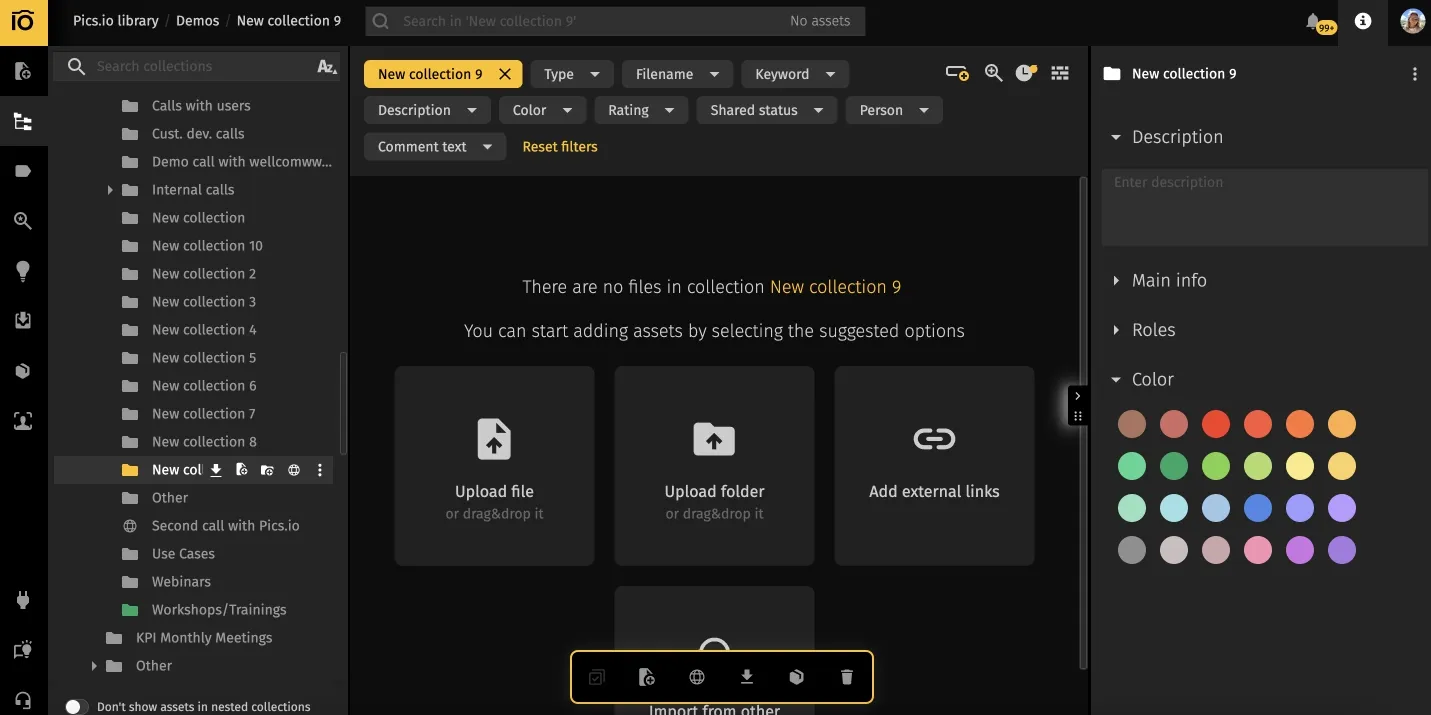
Pics.io is our product, but we tested it impartially and demandingly, just like other candidates. Pics.io is best for creative teams and marketing teams managing 3D assets alongside other digital assets in one central location.
3D capabilities:
- In-app 3D preview (rotate/zoom) for supported formats
- Supports common 3D formats (OBJ, STL, GLB, FBX, PLY, 3DS)
- Organizes 3D assets with metadata and version history, so teams can track iterations and approvals.
- Shares assets with controlled access for external review
3D formats: OBJ, STL, GLB, FBX, PLY, 3DS
Watch-outs: “3D support” can vary by file size and complexity. Test a couple of your real models before you decide.
2) Daminion
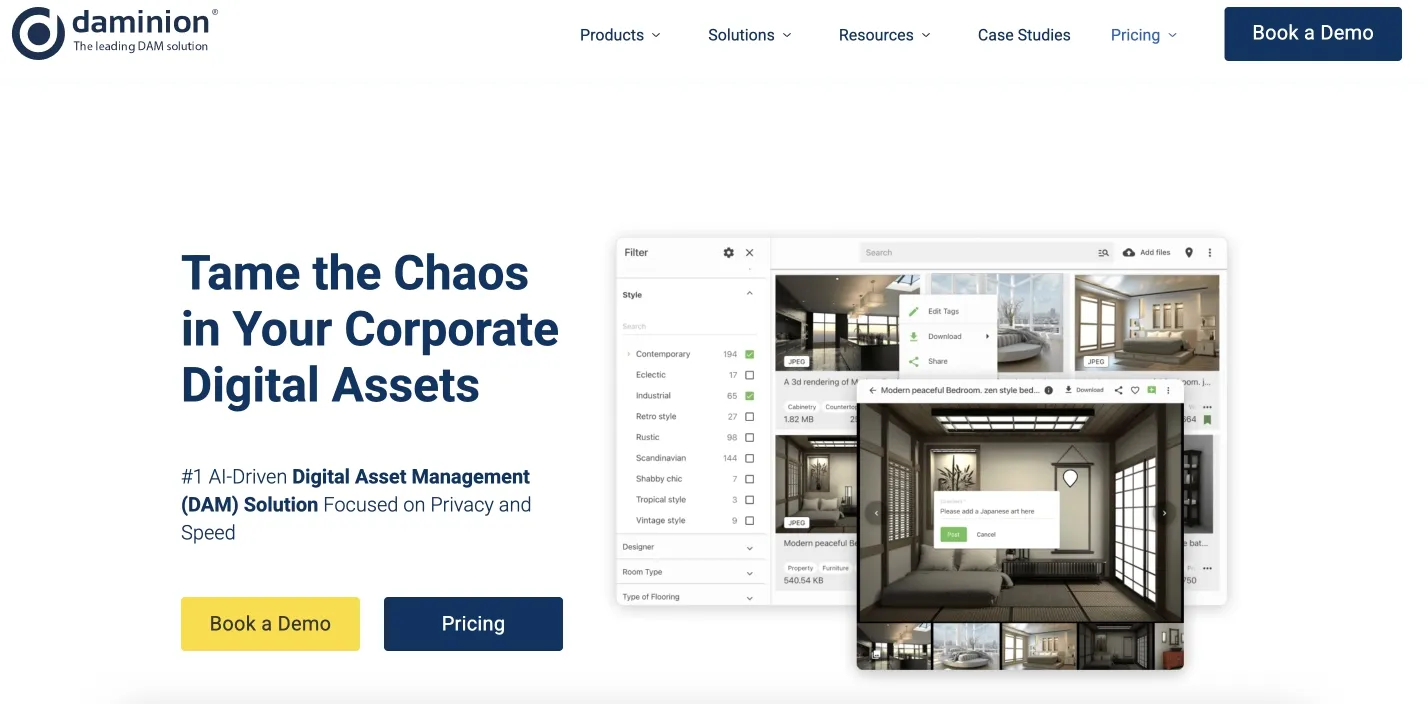
Daminion is well-known for teams that want structured cataloging and tighter asset management through consistent metadata discipline.
3D capabilities:
- Generates previews for multiple 3D/CAD formats via a 3D extension
- Web viewing is centered around GLB (other formats are converted to GLB for web viewing)
- Works well for teams that rely on structured cataloging and consistent metadata
3D formats: FBX, IGES, STP/STEP, STL, OBJ, 3DS
Watch-outs: If you expect native viewing for every format, check how the convert-to-GLB workflow fits your process.
3) Cloudinary
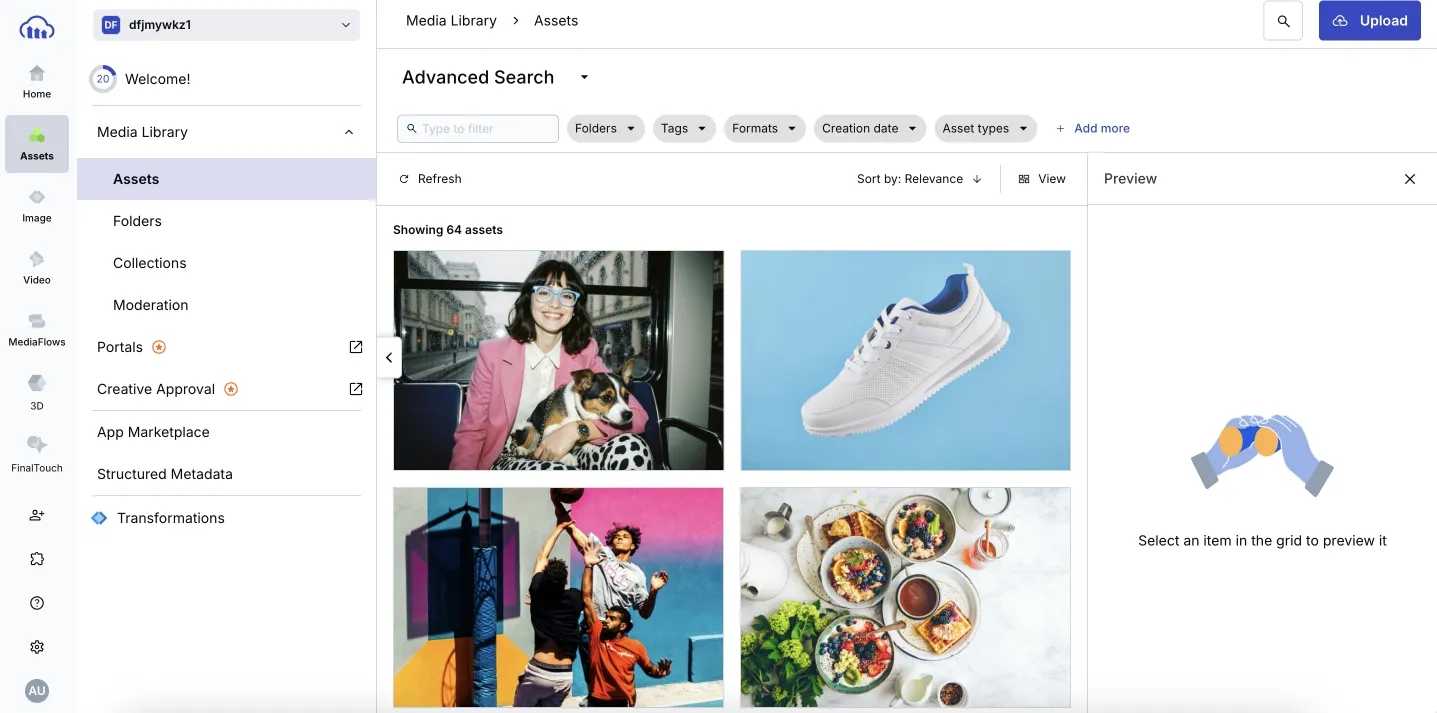
Cloudinary is the best option for the dev teams delivering 3D at scale. Great when you need streamlining workflows through automation, a robust API, and fast delivery across different platforms.
3D capabilities:
- Tooling for creating and delivering 3D content through APIs and automation
- 3D transformations for delivering models in different formats (with rules and limits)
- Strong option when delivery performance and developer workflows matter most
3D formats: Depends on workflow; example paths include OBJ → GLB and glTF → USDZ (not all conversions are possible)
Watch-outs: Don’t assume “anything converts to anything.” Confirm the exact format pipeline you need.
4) Brandfolder
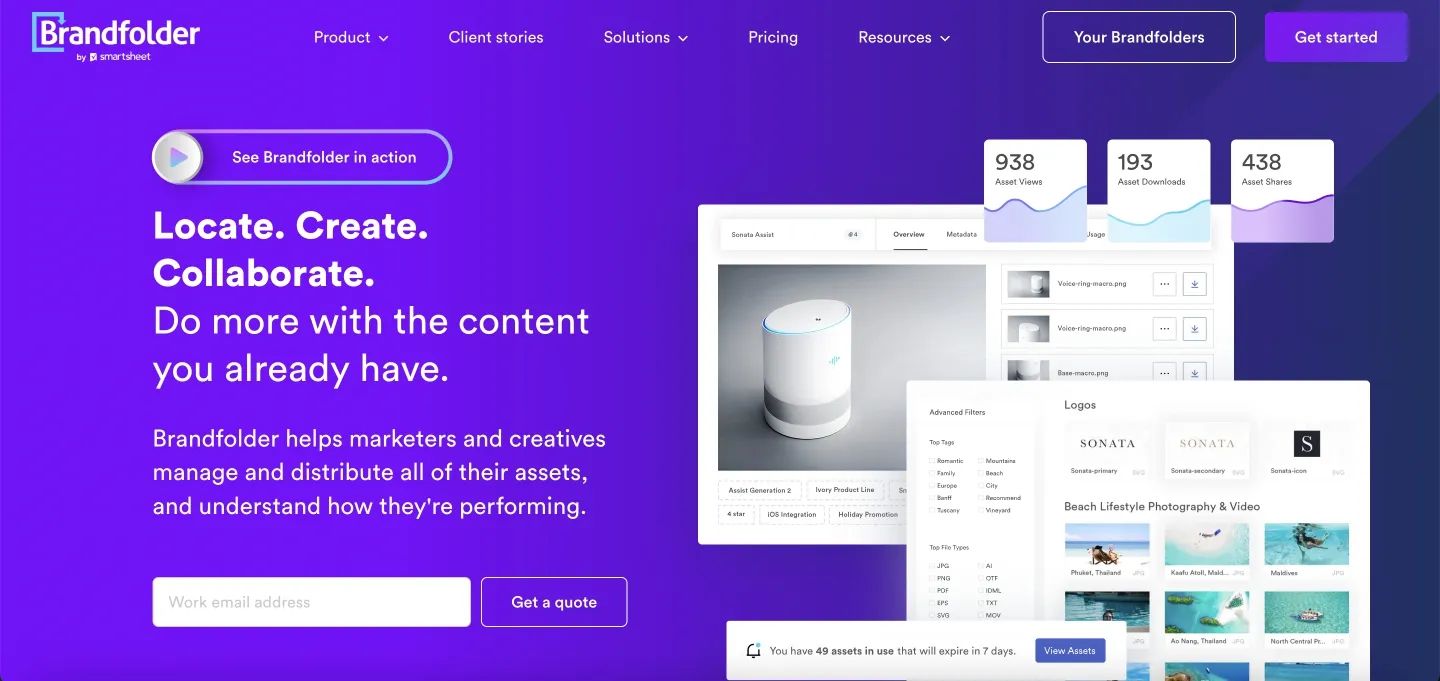
Brandfolder is ideal for brand libraries where 3D is part of a wider set of asset types—photos, docs, video assets, and design files.
3D capabilities:
- Manages 3D assets inside a broader DAM workflow for mixed media
- Supports 3D distribution workflows and consistent organization alongside other brand assets
- Mentions transformations on download (validate behavior per format)
3D formats: Commonly referenced include GLB, USDZ, OBJ (validate preview behavior per format)
Watch-outs: “Supports the format” doesn’t always mean “interactive preview.” Verify what’s viewable in-browser vs. download-only.
5) Bynder
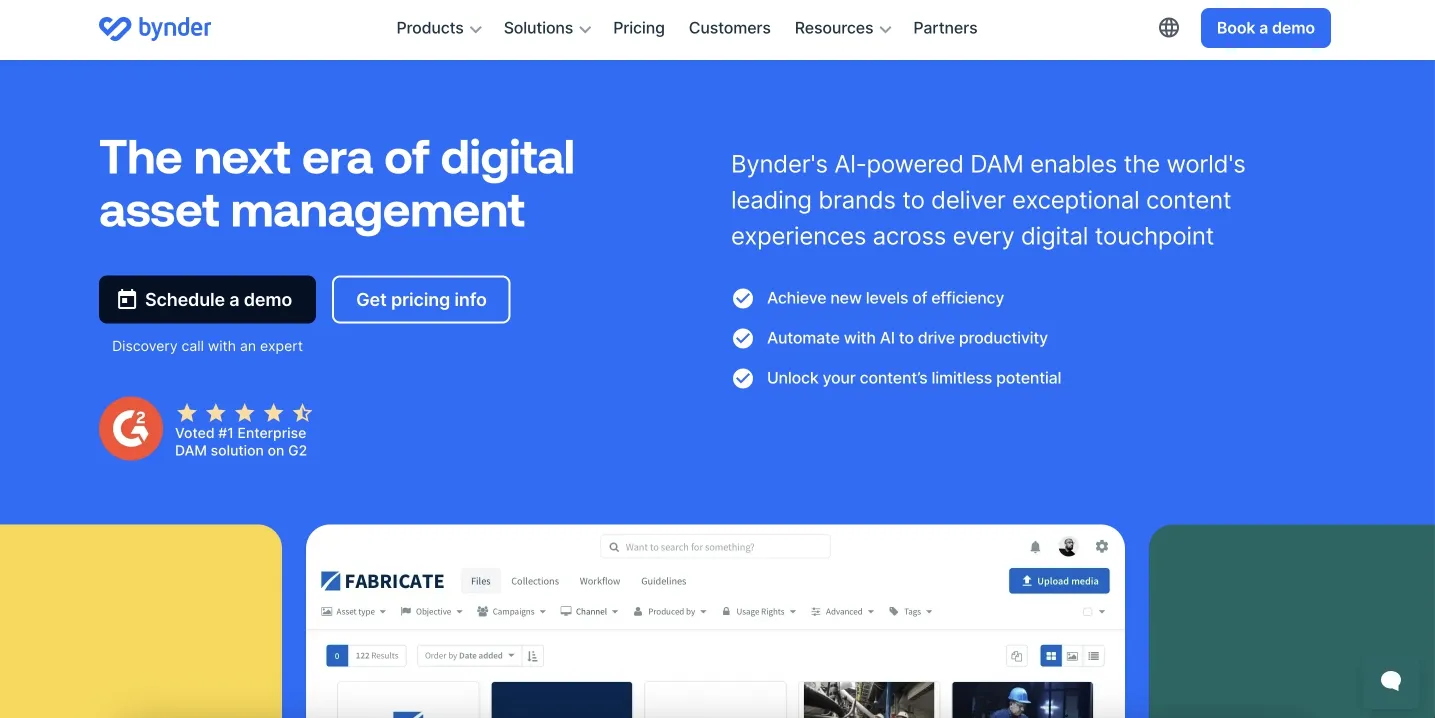
Bynder is great for enterprises that want broad adoption and a user-friendly interface, with a simple 3D review flow.
3D capabilities:
- 3D Model Viewer inside Asset Bank for GLB models
- Enterprise DAM controls for permissions, sharing, and governance
- Works best when teams standardize around web-ready 3D formats
3D formats: GLB
Watch-outs: If your workflow is STL/OBJ/FBX-heavy, plan a conversion step. Confirm how you want to handle it before rollout.
6) Canto
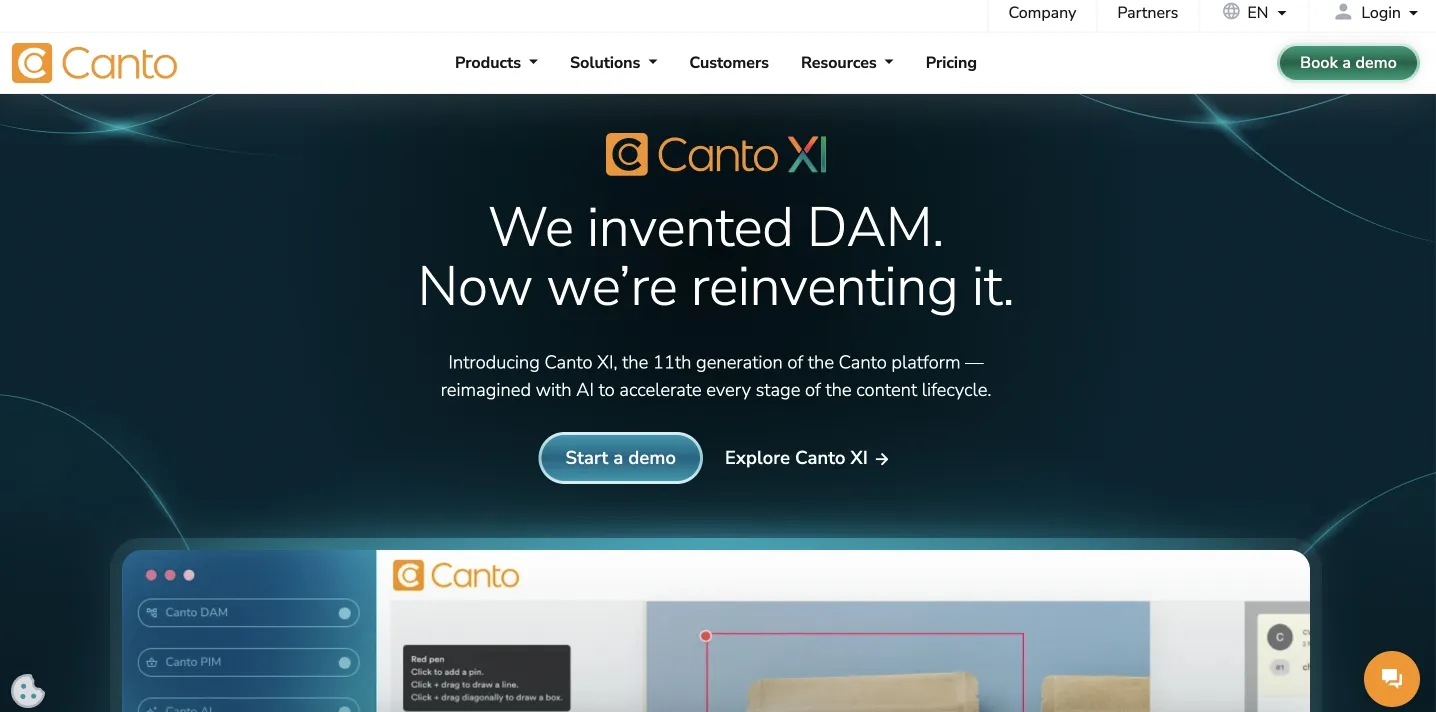
Canto is best for organizations where 3D is occasional, but you still need a single platform to manage various asset types.
3D capabilities:
- Stores, manages, shares, and approves 3D files as part of a general DAM library
- Browses 3D files in list-style views when previews aren’t available
- Allows manual thumbnail replacement when automatic previews aren’t helpful
3D formats: Not positioned as “interactive 3D viewer formats” in public help content (keep expectations conservative)
Watch-outs: If in-browser rotate/zoom is a must-have, verify it on your formats. In many cases, 3D here is treated as “a file type we store,” not “a format we preview deeply.”
Why 3D Formats and DAM are a Good Match
Generic file storage treats 3D models like any other file. That works until your library grows. Then versions multiply, dependencies break, and collaboration gets messy.
3D workflows are context-heavy. Units, scale, versions, approvals, usage status, and linked files matter just as much as the model itself. A truly 3D-ready DAM makes that context visible. It also makes it harder to lose.
The payoff is simple: you find the right model faster, confirm it without downloads, track changes across iterations, share with control, and reduce the risk of sending the wrong asset to the wrong place.
FAQ
Do all DAMs support 3D files?
Many can store them, but “support” varies. Some platforms only let you upload and download. Others add previews, thumbnails, versions, and workflows that make 3D work easier. If 3D is important for you, treat “3D support” as something you test, not something you assume.
Which 3D formats are most widely supported?
GLB/glTF and OBJ are common in web and real-time workflows, so they tend to show up more often. STL is widely used in 3D printing. Formats like FBX, PLY, and legacy types can be more inconsistent across platforms—especially for in-browser previews.
Can I preview 3D models without downloading them?
Sometimes, yes. It depends on the format and the depth of the platform’s viewer. A viewer that works on a small demo model may not behave the same way on production assets, so testing with real files matters.
How do I handle textures and materials in a DAM?
The key is whether the DAM keeps dependencies together in a way that survives sharing and downloading. If you often work with OBJ, MTL, and textures, test the full cycle: upload, preview, download elsewhere, and confirm that materials still resolve correctly.
What’s a reasonable file size limit for a 3D DAM?
It should match your reality. If your typical models are large, you need a platform that can ingest them reliably, generate previews quickly, and remain usable when you browse and search at scale.
Choose the DAM that Matches How You Work
Choosing a digital asset management system for 3D isn’t about one “best” answer. It’s about fit: your formats, your team structure, your sharing needs, and whether your stack needs a cloud solution, on-premises control, or tight delivery pipelines with a robust API.
If your goal is 3D asset management that reduces chaos, the test is simple: does the tool reduce downloads, clarify version control, and make the right files easy to find through search functionality and relevant metadata?
Shortlist two or three platforms. Test with your real files. Include textures. Include heavy assets. Include different versions. The right tool will make the scavenger hunt disappear.
Did you enjoy this article? Give Pics.io a try — or book a demo with us, and we'll be happy to answer any of your questions.
Author

Eugene is a product manager with a cross-functional background in sales, logistics, and customer support in the DAM space. He holds a Master’s in International Economics and complements it with frontend and analytics skills, giving him a deep, practical grasp of DAM and how to turn customer needs into product outcomes.


