

In this article, you’ll learn:
Disclosure: This guide is published by Pics.io. We evaluated all tools using the same scoring criteria. Our product team does not influence rankings. This article was updated on October 17, 2025, and all pricing information is accurate as of that date.
Managing thousands of visual files across projects, edits, and client deliveries quickly becomes overwhelming—especially when teams need fast access to the right version at the right moment. Well-known storages like Google Drive or Dropbox can’t handle advanced search, metadata, or visual workflows, which is where DAM software steps in.
Key Takeaways
| Tool | Best For | Key Advantages | Key Trade-Offs | Price |
|---|---|---|---|---|
| Pics.io | Teams needing cloud DAM + deep metadata | Strong AI tools, visual search, one-click client-ready websites | Needs onboarding to fully leverage features | from 100$ |
| Adobe Lightroom | Photographers needing other photo editing software + cataloging | Integrated editor, smart previews | Not ideal for mixed media or large teams | from 11.99$ |
| Mylio Photos | Privacy-focused photographers | Local-first, no forced cloud, handles huge libraries | Limited remote collaboration | from 17$ |
| ACDSee | Windows users wanting DAM + editing | One-time license, local AI features | Windows-only, dated UI | from 209$ |
| Filecamp | Small teams needing budget DAM | Unlimited users, very simple setup | Basic AI, limited search | from 29$ |
| Capture One | Studio photographers with tethered workflows | Best RAW color, strong tethering | Weak DAM capabilities, higher learning curve | from 31.20$ |
| iMatch | Power users managing large local archives | Extremely customizable, powerful metadata tools | No cloud, no collaboration, Windows-only | from 135$ |
| MediaValet | Enterprise organizations | Advanced AI, workflows, strong security | Enterprise pricing and complexity | Custom pricing |
| WebDAM | Brand-heavy marketing teams | Strong brand governance, intuitive UI | Pricey; some features require add-ons | Custom pricing |
| Acquia DAM | Large organizations with complex taxonomies | Deep metadata control, robust integrations | Expensive; steep setup and admin learning curve | Custom pricing |
| Brandfolder | Design/brand-focused teams | Beautiful interface, easy external sharing | Limited metadata customization; higher cost | Custom pricing |
Why Photographers Actually Need DAM
Modern shoots generate files fast. One session can dump hundreds of RAWs on you, plus multiple edit rounds, client selects, web and print exports, and final deliverables. Run a few projects simultaneously and you're buried in thousands of files that people need access to right now.
Regular storage doesn't cut it
Folders, external drives, basic cloud storage—none of it was built for managing photo libraries at scale. Finding a specific shot means scrolling through nested folders or hoping you remember what you named it six months ago. You can't search by what's actually in the frame, tracking usage rights is basically impossible, and version control lives in email chains with filenames like "final-final-NEW-2.psd".
What DAM actually does
Digital asset management software gives photographers and studios a structured way to work with their libraries. Instead of clicking through folders, you search by keywords, metadata, people, colors, or even visual similarity. Version control keeps track of every edit automatically. Permissions make sure the right people see the right files. Client approvals, comments, and sharing links all live in one place instead of being scattered across emails and chats.
More than just storage
The real value isn’t only in “being organized”. A good DAM system cuts down the time you spend hunting for files, reduces duplicate work, and protects your archive with proper backup and access controls. As your library grows, it gives you a setup that can scale without turning into a mess. For photography businesses and creative teams, that often means more billable time and fewer stalled projects.
What DAM Actually Does for You
Visual search finds images by what's actually in them—similar compositions, objects, colors—even when tagging is messy or missing. Super helpful when you need "more shots like this one" fast.
One central library means everyone pulls from the same place. No more "wait, is this on Dropbox or the NAS?" and no confusion about which version is current.
Built-in collaboration lets reviewers comment directly on assets, tracks approvals in one spot, and lets you share specific collections without opening up your whole archive.
Automatic version tracking logs every edit. You can see who changed what and roll back when someone messes something up.
Asset protection covers automated backups, usage rights tracking, and access logs. Keeps your work safe and licensing straight as your library grows.
Scales with you. The same organizational tools work whether you've got 5,000 files or 500,000. You're not building something that'll collapse under its own weight later.
Saves real time. Less searching through folders, fewer duplicate edits, clearer file management. The system handles the tedious organizational stuff automatically.
File formats, metadata, and automation. A modern digital asset management system has to deal with more than just camera photos. Real-world libraries mix RAW files, JPG images, layered PSDs from Adobe Photoshop, exported PDF files, short video clips, longer video files, and even design files from different tools. Good DAM tools normalize these file formats so your team can preview them in one place, regardless of the operating system or editor that originally created them.
Under the hood, the DAM system reads and writes metadata like EXIF, XMP, and IPTC information, then layers your own custom fields on top. Instead of hunting through folders, users can search by client, campaign, location, model, or usage rights. Strong search features mean you can filter selected images by star ratings, color labels, or specific keywords and then reuse them in new projects without repeating all the hard work.
This type of dam-based setup also helps teams monitor files across projects. You can create collections for each client, use various templates for naming and metadata, and track where images, digital assets, and design files are used. For busy teams, workflow automation becomes a key factor: the system handles repetitive steps so people can focus on the creative side.
DAM vs photo editing software
Many photographers start by using photo editing tools as a half-baked asset manager. Apps like Adobe Lightroom, Adobe Lightroom Classic, Adobe Bridge, ACDSee Photo Studio, Photo Mechanic, Capture One, or Media Pro are great for culling, rating, and adjusting RAW images on a single machine. They shine when you need fast previews, powerful editing tools, and tight integration with the rest of your Adobe Creative Cloud or similar tech stack.
But even the best photo editing software was never designed to be the best DAM or a long-term DAM-based library for a growing studio. Once many photographers start sharing work with other users, collaborating with clients, or trying to distribute photos across channels, they quickly hit limits. Catalogs grow too big, the operating system folder structure becomes fragile, and it gets hard to monitor files, keep track of which file name is final, and maintain brand consistency across all marketing content.
A dedicated digital asset management tool focuses on search, structure, and automation. Instead of only storing edits, a digital asset management software or DAM software lets you add metadata, add keywords, apply star ratings, and rely on automatic tagging powered by artificial intelligence. This produces cleaner search results, even when you’re working with mixed file types and more complex data like rights, approvals, and campaigns.
The sweet spot for professional photographers is usually a combo: use a serious DAM-based library as the backbone, and plug in your preferred photo editing software on top. That way, the DAM handles archiving, workflow automation, permissions, and sharing, while Lightroom, Photoshop, or other editors take care of the creative side.
Picking the Right DAM
The real question isn't "which one has the most features?" It's whether the system actually fits how your team works—your processes, tools, people.
Figure out what you actually need
Start with who's using it. A five-person studio needs something totally different than a fifty-person agency. Map out user roles, access needs—do clients need approval access? Remote team working reliably? These practical realities matter way more than feature lists.
Calculate your current library size and where it's headed realistically. Shooting RAW or adding video? Storage needs will climb fast. Some platforms jack up pricing as you grow, so what felt affordable in year one can quietly become a budget problem.
Test the stuff that matters
Search is make-or-break. If you can't find files quickly, nothing else matters. During trials, see how it handles metadata, filters, AI tagging with your actual projects. Does search feel natural or do you need to learn some special query language?
Check integrations with what you already use—Creative Cloud, project management tools, your CMS. Make sure it supports your file formats and that permission settings let clients see only their own stuff.
Plan the transition
Moving an existing library is real work. You'll need to set metadata standards, clean up folder structures, train the team. Some vendors help with migration and onboarding; others leave you to figure it out. Build that time and cost into your plan upfront, not as an afterthought.
Get the actual users involved in testing. Their experience with navigation, uploads, and search will catch problems that don't show up in feature sheets or sales demos.
Use free trials properly. Treat them like a real-world test: upload a full photoshoot, set up collections, share assets with clients, and see how quickly the system handles search and previews. These hands-on checks tell you far more than marketing pages or spec sheets.
The right DAM should reduce friction in your work, not become another tool you have to fight with or constantly maintain.
Best DAM Software for Photographers in 2025
After looking at the strengths and weaknesses of different DAM systems and clarifying what photographers actually need, here are the platforms worth a closer look.
Pics.io
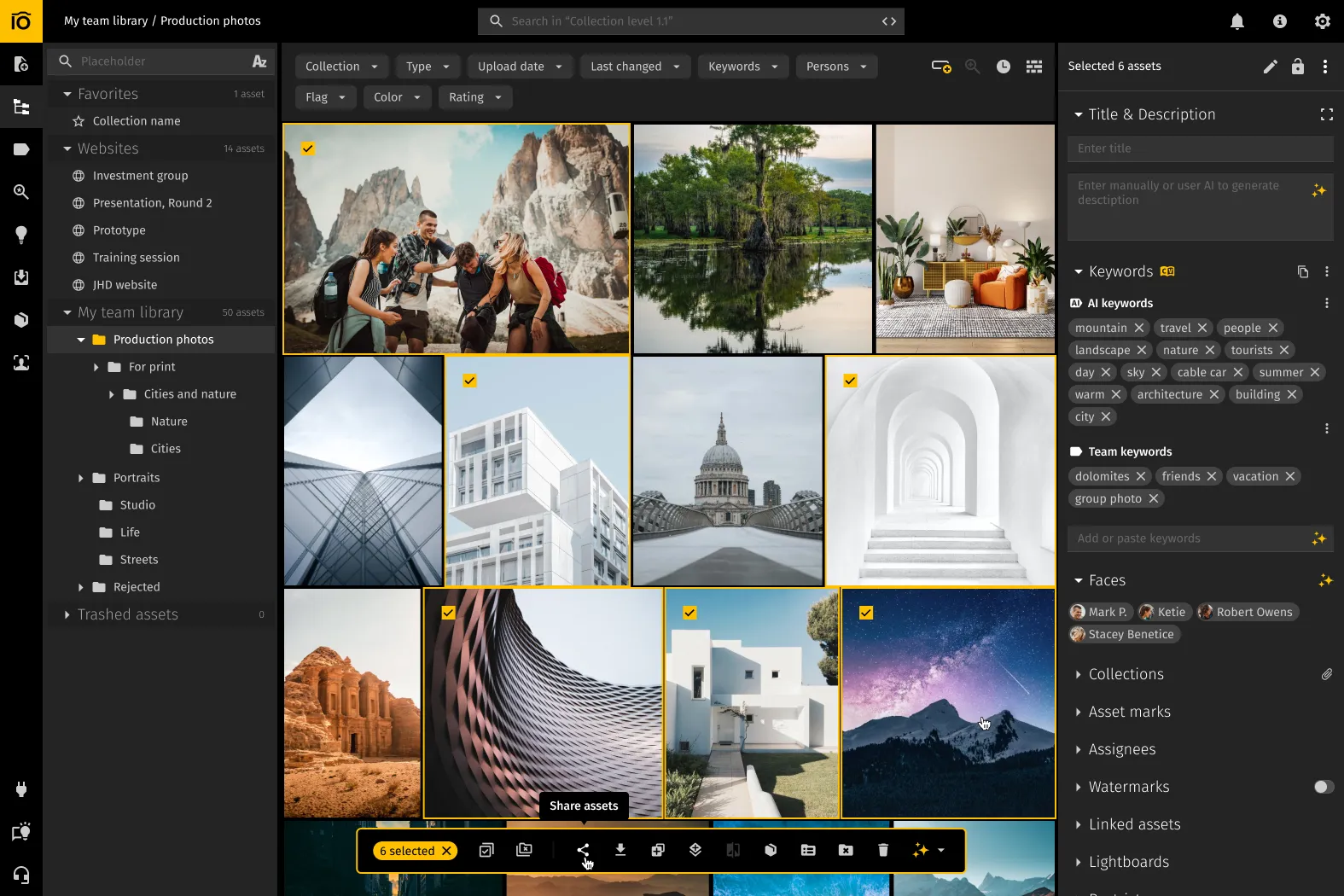
Pics.io is a cloud-based digital asset management platform that works with a wide range of file types—photos, videos, documents, spreadsheets, and even 3D models. Instead of forcing you to move everything into its own storage, Pics.io sits on top of your existing cloud storage.
Key functionality
The system is built around flexible metadata management with custom fields and batch editing. AI features handle automatic keywording, facial recognition, video and audio transcription, and image descriptions, all feeding into a powerful search experience. Visual search helps you find similar images by content, not just by file name or tags.
Collaboration tools include granular permissions at the library, folder, and file level, plus version control that keeps track of changes and lets you compare versions side by side. You can also create branded portals to share files with clients in a controlled, professional way.
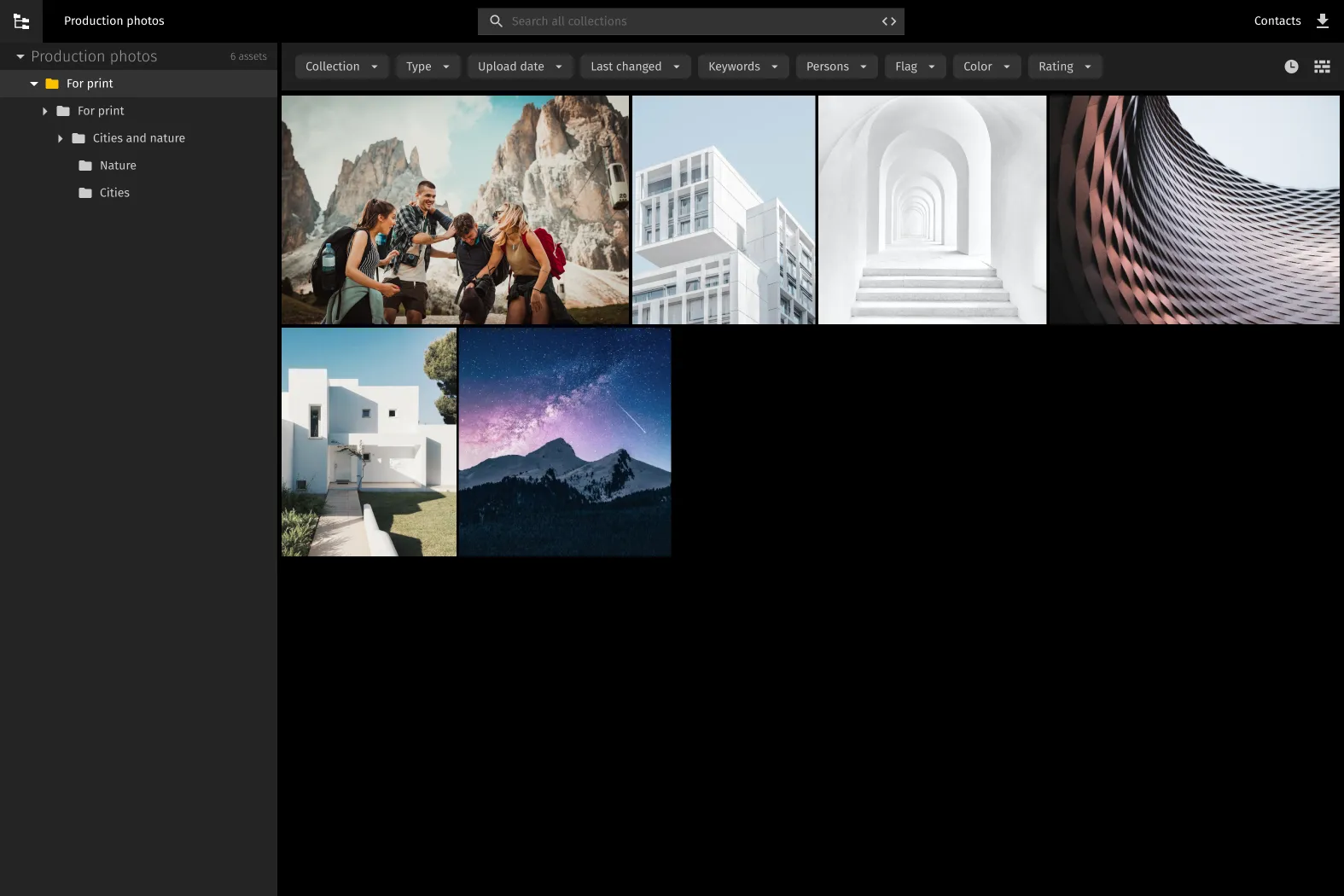
Pics.io's AI Visual Search solves this: drop in a hero shot, and instantly see similar images, alternate angles, crops, and color variations. Pull together client galleries and campaigns in minutes, not hours.
Or just describe what you need: "sunset portrait with shallow depth of field" or "interior shot with natural window light." AI finds matches even if you never added keywords for that job.
Integration approach
Pics.io connects directly to Amazon S3 and Google Drive so teams can keep their existing storage setup instead of migrating everything into a closed system. For automation and custom workflows, there are additional integrations available through Zapier.
Limitations
The platform's extensive feature set comes with a genuine learning curve. Getting comfortable with metadata structures, AI tools, and workflow customization takes time before you can fully leverage its capabilities.
Pricing
| Plan | Price | Storage | Key Features |
|---|---|---|---|
| Solo | $100/month | 100GB | Core DAM features, basic integrations & analytics, metadata management |
| Micro | $225/month | 1TB | Everything in Solo + unlimited sharing portals, version control, custom fields, commenting, roles & permissions, 24/7 support |
| Small | $680/month | 3TB | Everything in Micro + branding, watermarks, API access |
| Enterprise | Custom pricing | 5+TB | Everything in Small + Okta SSO, metadata recovery, dedicated engineer, custom integrations |
Adobe Lightroom
Adobe Lightroom is photo management and editing designed primarily for photographers working with large image libraries. It tracks file locations across multiple storage devices and maintains preview thumbnails even when original files are offline.
Key functionality
The platform combines catalog management with non-destructive editing tools. It tracks photos across cloud storage, external drives, and memory cards, keeping thumbnails accessible for browsing by color, composition, or metadata even when source files aren't currently connected. The search system utilizes ratings, keywords, color labels, and EXIF data for organization.
Lightroom's modular design permits integration with additional Adobe services and third-party plugins—client communication tools, portfolio websites, and workflow extensions can be added based on specific needs.
Pros
Editing and library management in one place—no app-hopping. Smart previews let you work on your catalog even when the original files aren't plugged in, which is clutch for working remotely or on the road.
Plays nicely with the Adobe ecosystem—Photoshop, Bridge, Portfolio, the whole Creative Cloud setup. Tons of presets and plugins to dial in your look and automate repetitive stuff.
It's industry standard, so tutorials and community support are everywhere. Easy to find help when you need it.
Limitations
Built for photos, period. If your team also handles video, documents, or design files regularly, Lightroom's not gonna cut it. Large catalogs—especially those with more than 100,000 images—can feel noticeably slower, and because everything hinges on the catalog file, you need a solid backup routine to avoid serious data loss if it gets corrupted.
Pricing
| Plan | Price | Storage | Key Features |
|---|---|---|---|
| Lightroom | $11.99/month | 1TB cloud storage | Lightroom (cloud-focused version only) |
| Photography | $19.99/month | 1TB cloud storage | Lightroom, Lightroom Classic, Photoshop, Adobe Portfolio |
| Creative Cloud Pro | $34.97/month | 100GB cloud storage | Full Adobe Creative Cloud suite including Lightroom |
Check full pricing on the product page.
Mylio Photos
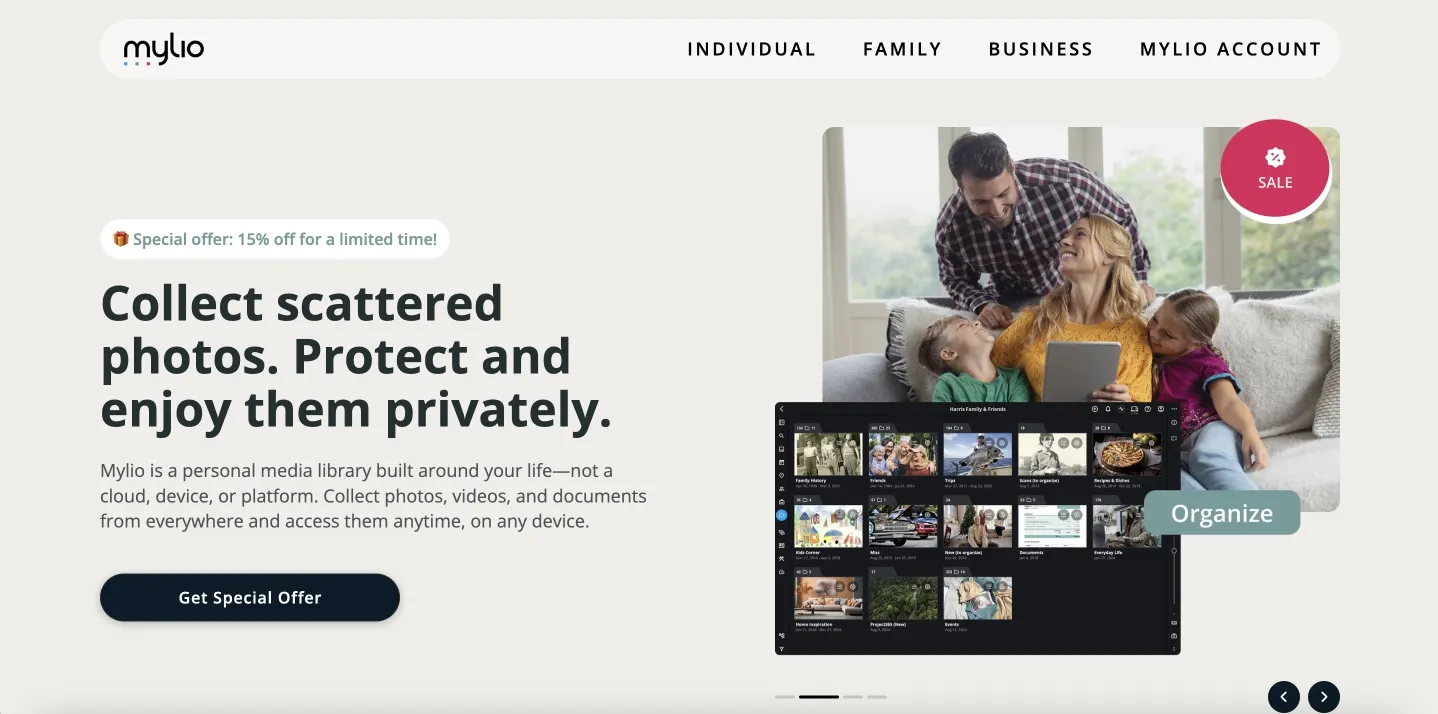
Key features include AI-powered facial recognition, automatic keyword tagging, object recognition for content-based search, and basic editing tools. Full-resolution originals are stored on designated "Vault" devices (like external drives or NAS systems), while smaller previews are kept on space-limited devices like phones and tablets.
Pros
Local storage and privacy-first—no forced cloud uploads of your whole library. Works offline with peer-to-peer syncing across Windows, Mac, iOS, and Android.
Keeps your existing folder structure intact, no forced migration. SpaceSaver feature stores optimized previews on mobile while originals stay on Vaults. Handles massive libraries efficiently—users report 500k+ assets with no issues.
You're investing in your own hardware instead of paying for cloud storage forever.
Limitations
Setup can get technical—you need to understand Vaults, sync rules, and storage strategy. Requires solid local storage infrastructure like external drives or a NAS. The offline-first approach means remote collaboration is pretty limited compared to cloud-based DAM platforms.
Pricing
| Plan | Price | Key Features |
|---|---|---|
| Individual | $17/month | Unlimited photos/videos/docs, private media library, automatic organization, advanced search & face recognition, sync across all devices, personalized setup session |
| Duo | $27/month | Everything in Individual + family sharing, personal license for 2 users, personalized setup sessions |
| Family | $34/month | Everything in Duo + personal license for 5 users, free month included |
Check full pricing on the product page.
ACDSee Photo Studio
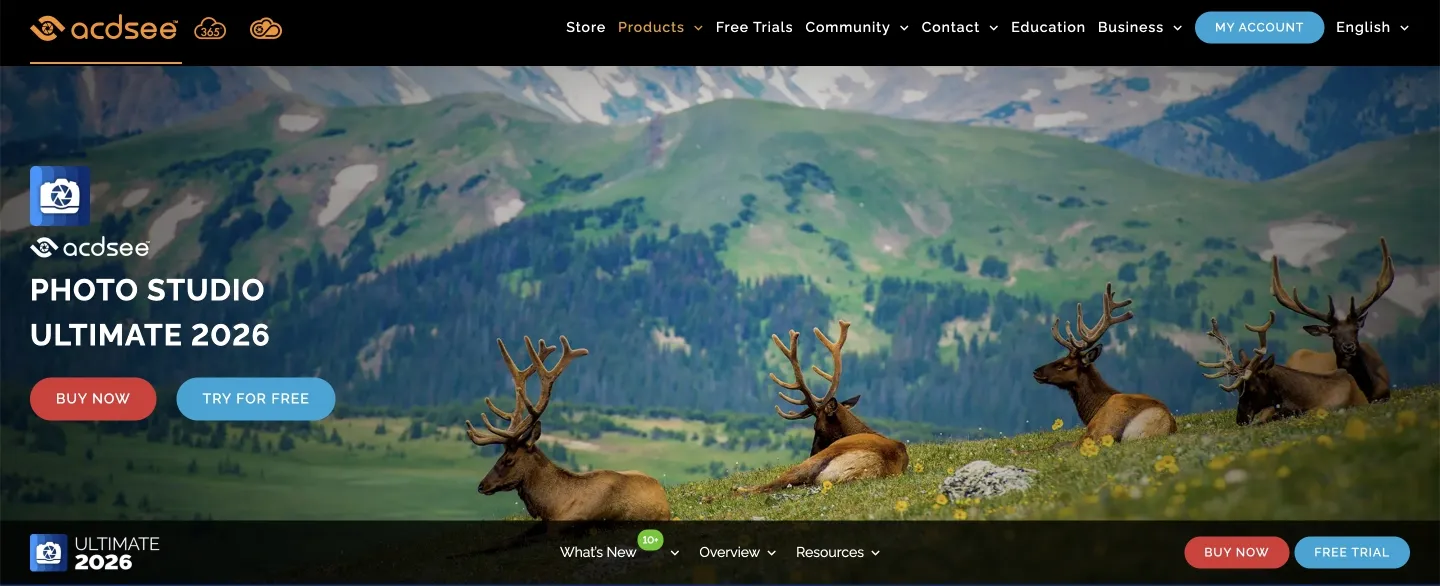
ACDSee Photo Studio is a Windows-only desktop DAM and photo editing platform offering a perpetual license alternative to Adobe's subscription model.
Key functionality
Three operational modes handle different tasks: manage (asset organization), develop (RAW editing), and edit (layer-based editing). AI features include facial recognition, automatic keyword tagging, super-resolution upscaling, and denoise—all processed locally without cloud dependency or privacy concerns.
The management system lets you organize photos with ratings, color labels, and hierarchical keywords, and you can search by EXIF data, GPS coordinates, or custom metadata fields.
Supports 750+ RAW formats, batch processing, customizable presets, and non-destructive editing so you can mess around without trashing your originals. Also handles HDR merge, panorama stitching, and focus stacking for more advanced work.
Pros
ACDSee appeals to many photographers because it offers a perpetual license — you pay once and don’t have to deal with ongoing subscription fees. It also works as a true all-in-one solution, combining DAM features, RAW development, and layered editing in a single application.
All AI processing happens locally on your machine, so your images never leave your device, which is a strong privacy advantage. With decent hardware, ACDSee handles large libraries smoothly, and it doesn’t require an internet connection — you can use all core features entirely offline.
Limitations
At the same time, the platform comes with several limitations. It’s Windows-only, which means Mac users and anyone relying on mobile workflows are left out. The separate “modes” for different tasks can feel confusing at first and add to the learning curve.
AI keywording accuracy lags behind newer, specialized tools, and the selection and brush tools aren’t as precise as what you’d find in Photoshop for detailed work. There are no built-in collaboration features for distributed teams, and all backup routines must be managed manually.
Pricing
Ultimate 2026 – $209 (one-time).
Check full pricing on the product page.
Filecamp
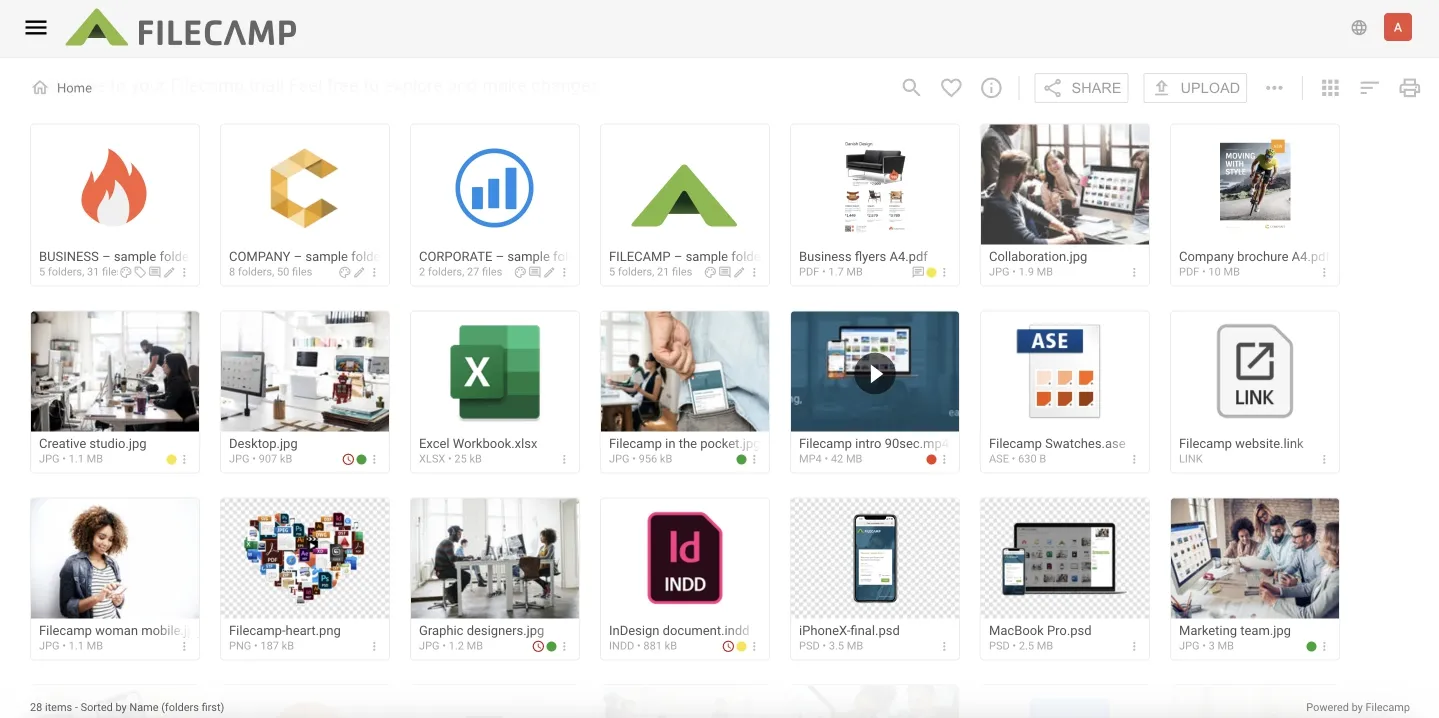
Filecamp is a budget-focused cloud-based DAM platform designed for teams needing core asset management features without enterprise-level complexity or pricing.
Key functionality
Folder-based organization with collections, metadata tagging, and search by filename, tags, and XMP data. AI auto-tagging suggests keywords to speed things up. Custom branding lets you white-label with your own URLs, login screens, and folder themes.
Online proofing with direct image annotations and comments for approvals. Version control tracks revisions, and granular permissions control access down to individual files.
Pros
Unlimited users in all plans—no per-seat costs that kill budgets on other platforms. Way cheaper than enterprise DAM solutions, accessible for small teams. Quick setup, minimal learning curve.
Custom branding and white-label options even in lower tiers. Free bandwidth with no overage surprises. Public upload URLs for collecting files from external people without giving them full access. Strong customer support with fast response times per user reviews.
Limitations
Dated interface that looks rough compared to newer competitors. Basic search—no visual similarity or sophisticated AI content recognition. Limited reporting, just activity logs instead of real analytics dashboards.
No deep third-party integrations, so you're manually bridging workflows between platforms. File management missing drag-and-drop in certain views. Not built for complex enterprise workflows needing advanced automation or sophisticated metadata structures.
Pricing
| Plan | Monthly | Annual | Storage | Key Features |
|---|---|---|---|---|
| Basic | $29/month | $348/year | 20GB | Unlimited users, custom branding, free bandwidth, basic DAM features |
| Advanced | $59/month | $708/year | 50GB | Everything in Basic + collections, branded portals for clients |
| Professional | $89/month | $1,068/year | 100GB | Everything in Advanced + online proofing, auto-tagging, white label option |
Check full pricing on the product page.
Capture One
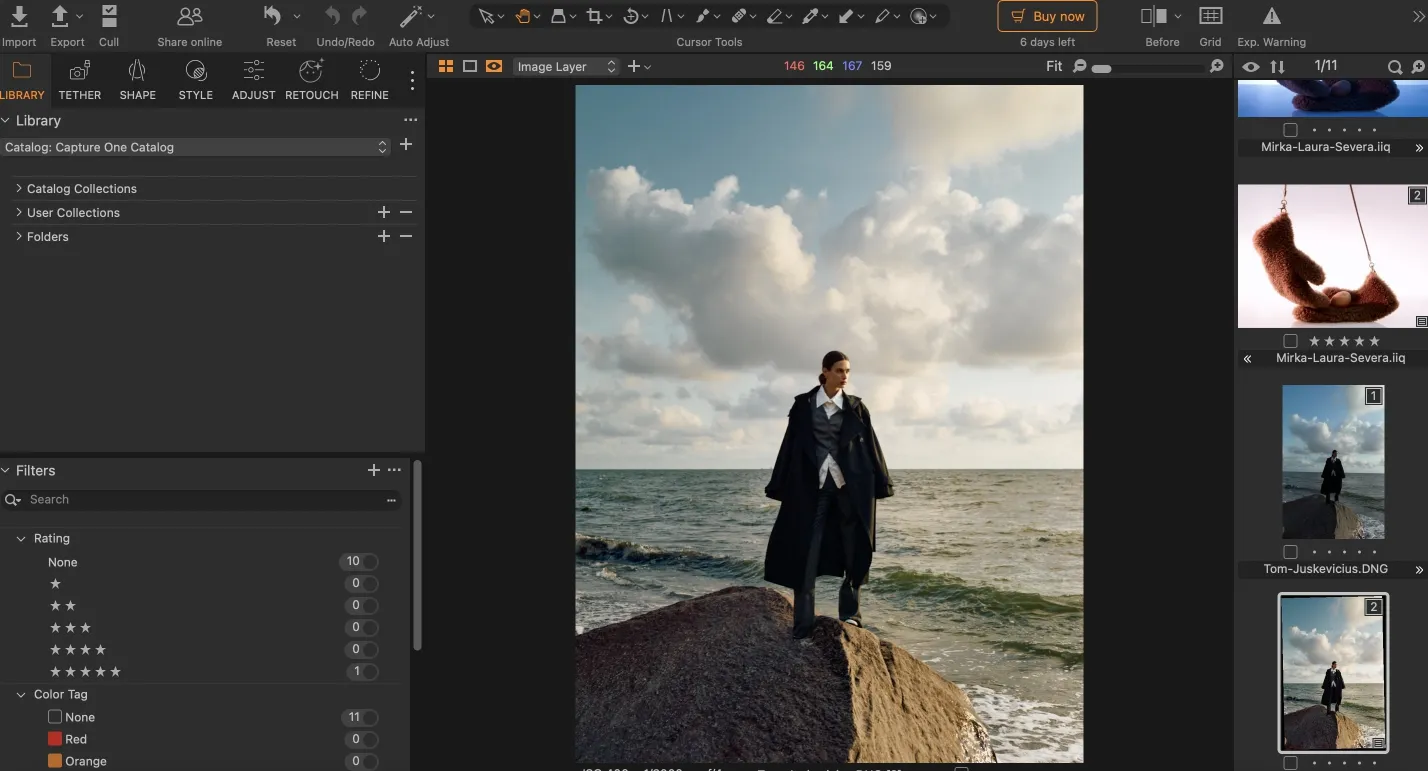
Capture One is professional RAW photo editing and digital asset management for photographers who demand exceptional image quality and tethered shooting capabilities.
Key functionality
Advanced RAW processing with industry-leading color grading—color editor wheels, skin tone adjustments, precise control. Tethered capture for direct camera-to-computer shooting with live view in studio setups.
Layer-based local adjustments with masking for selective, non-destructive edits. Asset management includes cataloging, keyword tagging, ratings, and smart albums. Batch processing applies edits across multiple images at once.
Pros
Exceptional RAW processing quality, especially for color accuracy in commercial work. Rock-solid tethered shooting that commercial photographers rely on. Precise local adjustment tools with advanced masking for detailed work.
Supports 500+ camera models and lens profiles. One-time purchase option available alongside subscription if you prefer to own it outright. Customizable workspace layouts for different shooting scenarios.
Limitations
Steep learning curve—interface can overwhelm beginners used to simpler tools. Resource-heavy, needs powerful hardware to run smoothly with high-res files.
Asset management weaker than dedicated DAM solutions—lacks advanced metadata structures, collaborative features, and enterprise-scale organization. No mobile apps for editing or review on the go. Minimal cloud collaboration compared to cloud-native platforms. Smaller plugin ecosystem than Adobe with fewer third-party integrations.
Pricing
| Plan | Pricing | Key Features |
|---|---|---|
| Capture One Pro | $31.20/month | Intuitive file management, advanced desktop editing tools |
| All in One | $43.20/month | Cloud shared settings, embed content credentials |
| Studio | $70.80/month | Collaboration tools, automated cropping, automatic backup |
Check full pricing on the product page.
iMatch
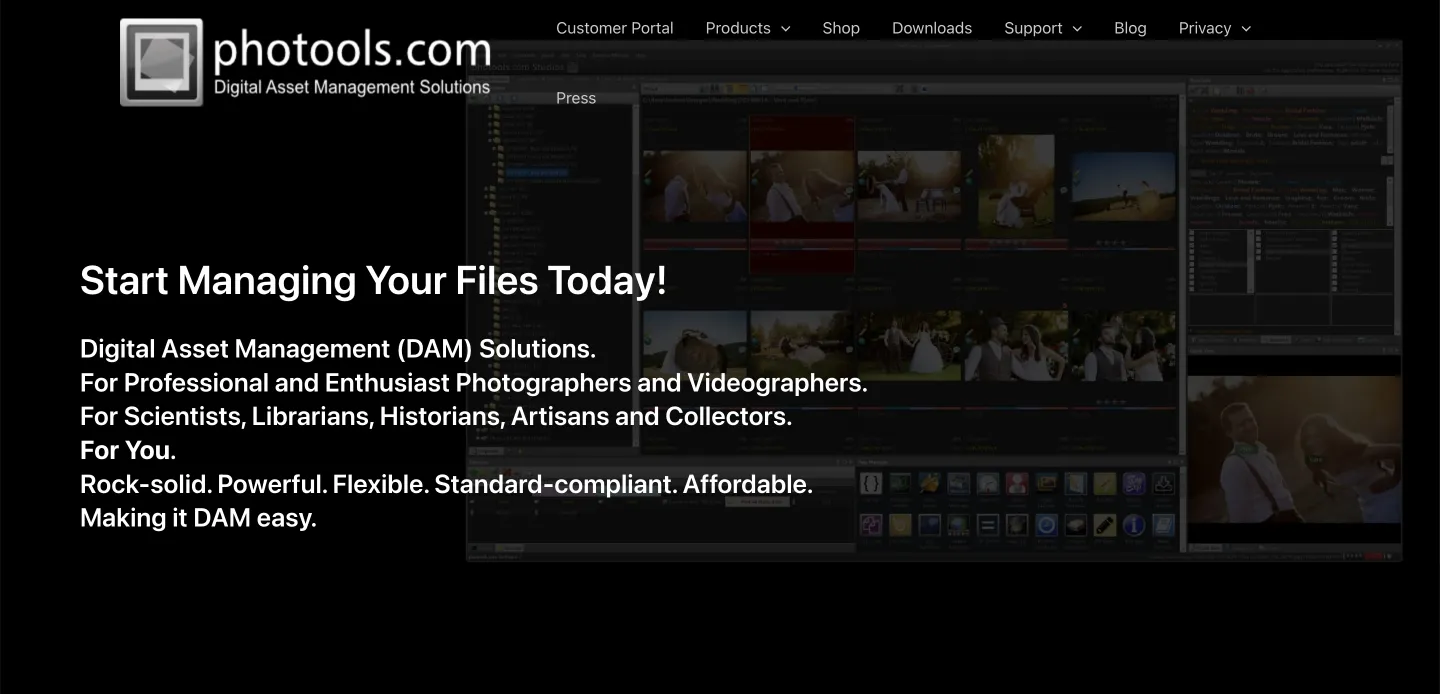
iMatch is Windows-based digital asset management system for photographers and media professionals who need powerful local file management without cloud dependencies or subscription costs.
Key functionality
The platform uses a database-driven catalog that indexes your files while leaving them in their original folders on local or network drives, so you keep full control over your storage structure. Its metadata tools support IPTC, EXIF, and custom fields, with batch editing to speed up repetitive work. A flexible category system allows hierarchical organization with unlimited nesting and the ability to assign files to multiple categories, which is useful for complex taxonomies.
Search is one of iMatch’s strongest points: you can combine Boolean operators, regular expressions, and metadata filters to build very precise queries. For power users, variables and scripting make it possible to automate routine tasks and create custom workflows.
The built-in viewer supports more than 120 file formats, including RAW, video, and documents, and the map view lets you browse GPS-tagged images based on where they were shot. iMatch is sold as a one-time purchase, with no subscriptions or recurring fees, and it has been actively developed and updated since 2001, which gives it a solid track record.
Limitations
Windows-only with no Mac, Linux, or mobile support. Dated interface with a steep learning curve, especially for advanced features. No collaboration tools, modern AI capabilities, or strong cloud integration.
Pricing
One-time – $135
Check full pricing on the product page.
MediaValet
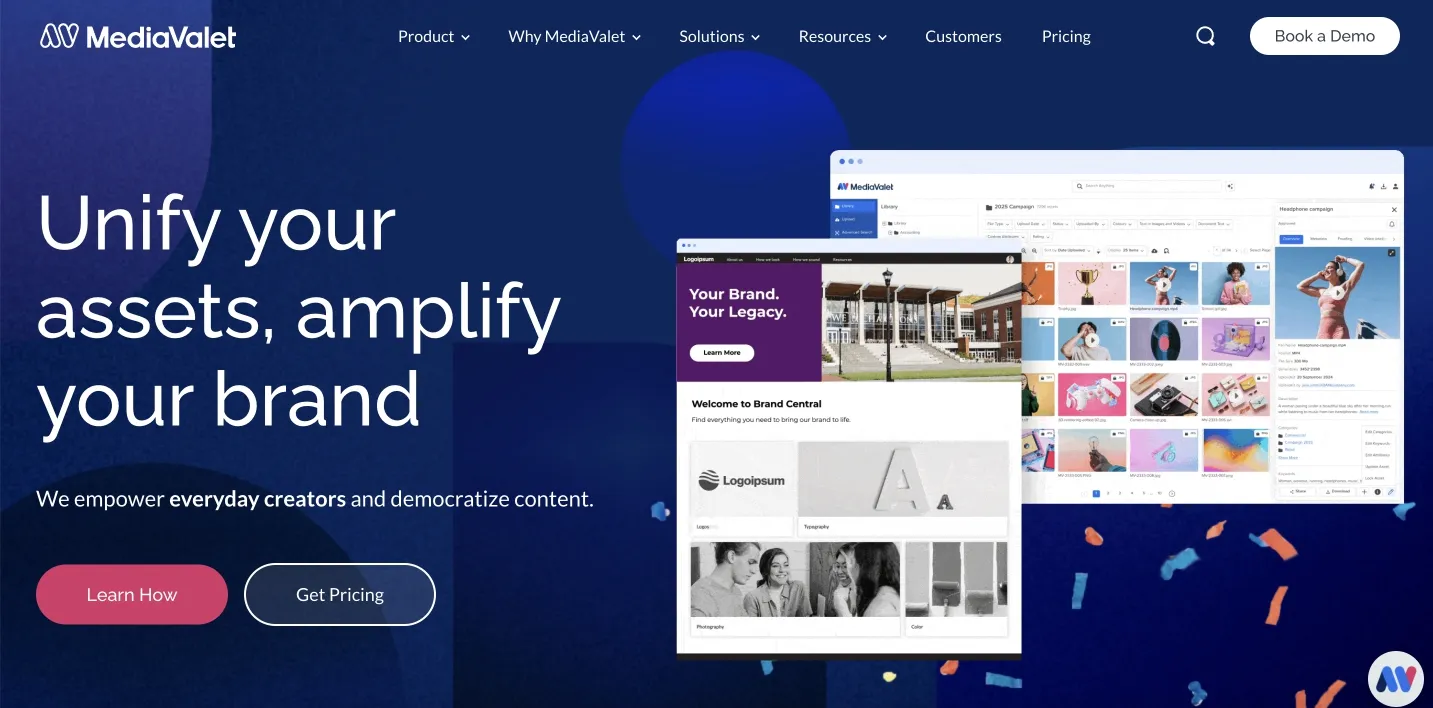
Enterprise-grade cloud DAM for big organizations that need serious security, scalability, and full-on asset management.
Key functionality
Cloud storage with unlimited versioning and auto format conversion. AI tags stuff automatically, visual similarity search, facial recognition. Custom workflows, brand portals, hooks into 100+ platforms like Adobe and Microsoft 365.
Pros
Enterprise security (SOC 2 Type II certified), unlimited users, infrastructure that scales. AI handles a ton of the grunt work, solid API for custom integrations. White-label portals and you get dedicated success managers holding your hand.
Limitations
Pricing is enterprise-level expensive—small teams can't afford it. Setup is complex, you'll need tech people. Interface is packed with features most smaller shops don't need. No public pricing—you gotta talk to sales. Some users hit performance issues with massive files.
Pricing: Check full pricing on the product page.
WebDAM
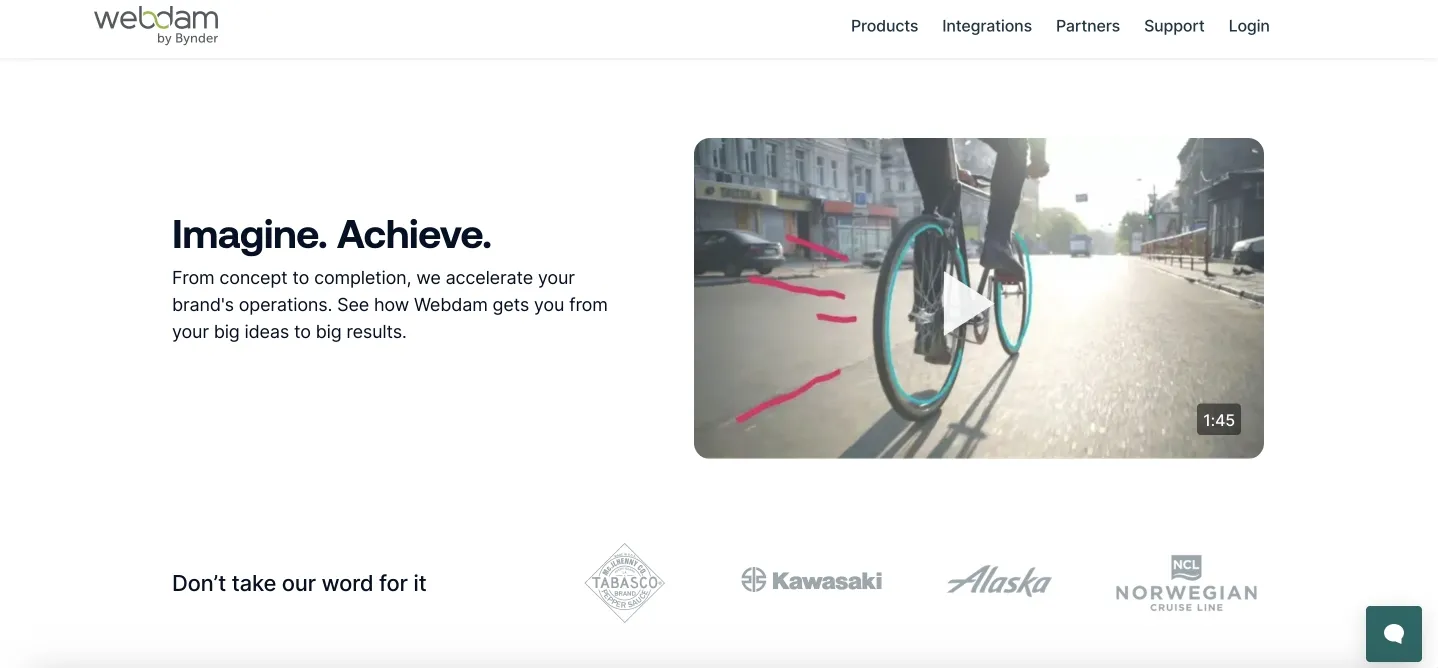
Enterprise DAM for mid-to-large companies that care about keeping their brand consistent and marketing workflows tight.
Key functionality
Cloud storage with customizable metadata and AI auto-tagging. Advanced search with filters, brand guidelines baked right in. Workflow automation handles approvals and rights management, analytics dashboard tracks everything.
Pros
Interface is easy to pick up, strong brand management tools. Permissions system is robust, customer support is solid per user feedback. Custom portals for external people, mobile experience actually works.
Limitations
Enterprise pricing hits hard for smaller businesses, no transparent tiers. Storage limits mean you'll pay more as you grow, some advanced stuff costs extra as add-ons. AI features aren't as sharp as newer competitors.
Pricing: Check full pricing on the product page.
Acquia DAM (formerly Widen Collective)
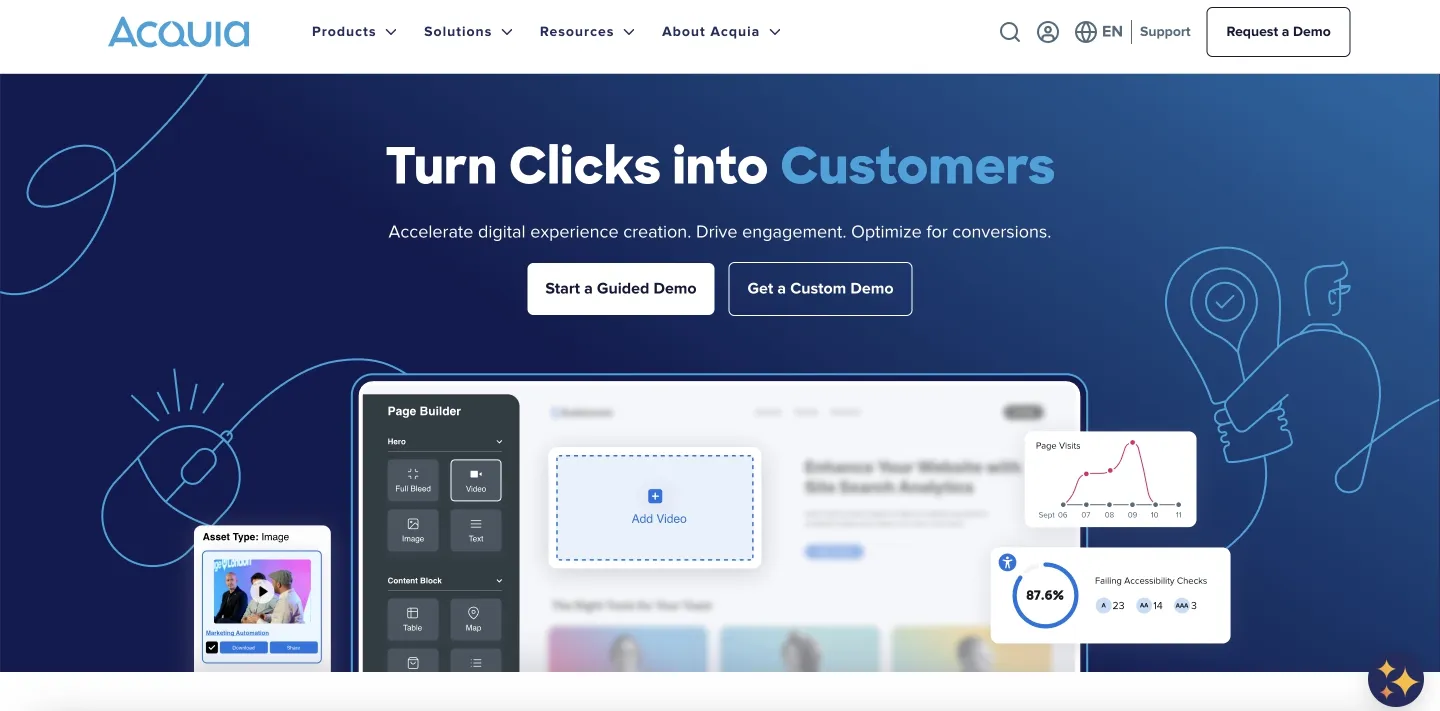
Enterprise platform for orgs that need advanced content ops and tight marketing automation integration.
Key functionality
Cloud storage with custom metadata fields, AI tags objects, text, and scenes. Advanced search with saved queries and visual matching. Workflow automation, analytics, integrations with Adobe, CMS platforms, marketing stack.
Pros
The integration game is strong, especially if you're already using Acquia CMS stuff. Flexible metadata setup, enterprise-grade permissions for compliance needs. Comprehensive API if you need custom dev work.
Limitations
Enterprise pricing is way out of reach for small businesses. Complex setup needs tech expertise and dedicated implementation time. The interface looks dated next to modern competitors. Steep learning curve.
Pricing: Check full pricing on the product page.
Brandfolder
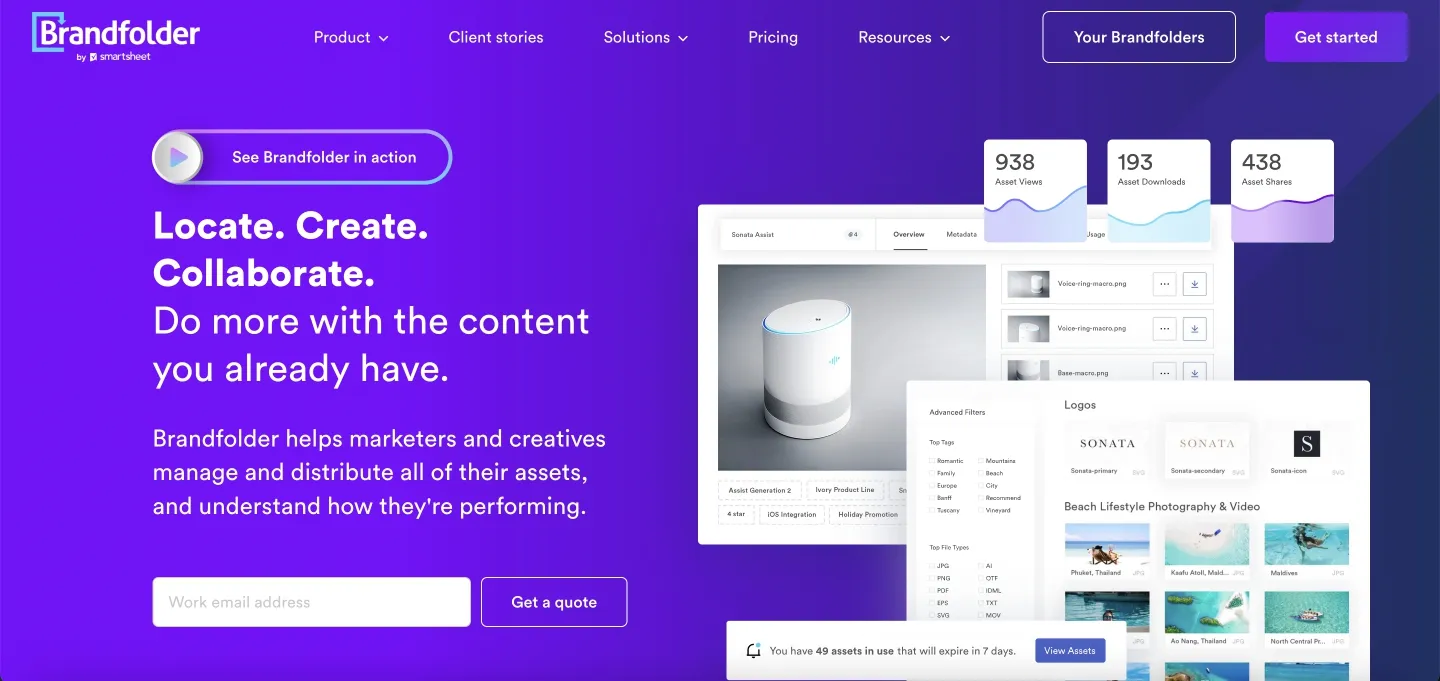
Cloud DAM for marketing and creative teams who care about how things look and keeping the brand on point.
Key features
Visual interface built around brandfolders and collections, smart search spots objects and colors. Brand guidelines live right next to your assets, guest access for external folks. Usage analytics, plays with Adobe, Canva, WordPress.
Pros
Super visual and intuitive—non-technical marketing people get it immediately. Brand consistency tools are excellent, keeping logos, fonts, usage rules right where people need them so they don't screw it up. Guest access makes external collabs smooth without opening up your whole system.
Limitations
Pricing isn't transparent and sits at enterprise level—hard to budget if you're a smaller team. Storage upgrades get pricey when you're dealing with tons of media files.
Pricing: Check full pricing on the product page.
Equipment Used for Testing
All tools were tested on a MacBook Air M1 (2020) with 8GB RAM and 256GB SSD. Performance on newer devices may be even better.
FAQ
DAM vs. cloud storage—what's the actual difference?
Cloud storage is basically fancy folders and filenames. DAM goes deeper: you get metadata search, visual matching, AI tags, version history, usage rights tracking, and built-in approvals. One just holds your files, the other actually helps you manage them.
Do solo photographers really need DAM?
If you've got under 10k images and a simple workflow, your editor's catalog probably does the job. DAM starts making sense when you're juggling client approvals, multiple projects at once, or wasting too much time hunting down files. Basically, when the organizational mess starts eating into your actual work time.
Will it play nice with my editing software?
Most DAM platforms hook into popular editors, but how well varies a lot. Don't just trust the marketing—test it during your trial to see if it meshes with how you work.
Conclusion
The right DAM software reduces friction in your creative work — cutting search time from minutes to seconds, eliminating version confusion, and making client approvals far smoother.
Your decision should be based on real workflow needs, not feature lists. A solo photographer with 20,000 images has very different challenges from an agency managing multimedia assets across many campaigns. The tools in this guide span everything from budget-friendly options with essential features to enterprise solutions with advanced automation.
Make the most of free trials: upload full shoots, test sharing with clients, and have your team try everyday tasks. The best digital asset management platform is the one that your team continues using daily because it fits seamlessly into your workflow and keeps your most valuable creative assets organized and accessible.
Did you enjoy this article? Give Pics.io a try — or book a demo with us, and we'll be happy to answer any of your questions.

Volodymyr is a sales and DAM consultant who helps photo studios, agencies, and brands select and implement DAM platforms with robust metadata and rights management. Since 2019, he has delivered 900+ demos and helped over 400 mid-to-large businesses roll out these systems.


