

Published: May 05, 2022
Updated: January 22, 2026
In this article, you’ll learn:
Open source DAM sounds simple: download a tool, host it yourself, and stop paying a vendor.
In real life, it’s a bit messier — not in a bad way, just in a “know what you’re signing up for” way. This is where open source DAM software can help — if it matches how your team is managing digital assets.
This guide helps you determine whether open source DAM fits your team, and which open source DAM solutions usually come up in searches.
Quick Verdict: Who Open Source DAM Is For
Open source DAM is usually a strong match when you want more control over the source code, access control, and how DAM software integrates with other tools.
It’s usually a poor match when you mainly need speed: “help my team find the right file in 30 seconds, stop sharing outdated stuff, and make approvals less painful.” That problem can be solved with open source, too, but the path is rarely “install → done.” It’s more like “install → configure → adapt → maintain” plus user training and version control so people don’t share outdated visual assets.
What “Open Source DAM” Actually Means (and Why It Matters)
“Open source” gets used as a catch-all label. Some products are truly open source (under classic open source licenses). Others are open core or source-available: you can access the source code, but production use may require license fees.
This matters for two reasons. This is a big deal if you’re comparing open source software to proprietary software. First: legal clarity — what you’re allowed to run in production. Second: expectations — if you assume “community edition = fully open source,” you can get surprised later.
A good example is Pimcore: it’s widely discussed as an open source platform, but its Community Edition licensing changed to POCL, so treat it as “check the current rules for your use case,” not as a simple “free open source DAM.”
How to Choose an Open Source DAM Without Getting Stuck in the Wrong Project
Most teams fail because the basics don’t stick in daily work: people can’t find assets fast across media files — images, video, and audio files. “Approved vs random” is unclear, permissions get messy, and someone ends up doing manual cleanup forever.
So start with your reality: where assets live, who needs access, how approvals happen, and whether you can support a self-hosted system long term.
A short checklist before you compare tools
- Do you have someone who can own deployment, upgrades, and security patches (not “sometimes,” but consistently)?
- Do you know your metadata model, and will you enforce it?
- Do you need approval workflows, portals, user permissions, and safe external sharing—and if so, can this tool handle them without heavy custom dev?
- Are you fine with a longer setup in exchange for control?
If you answer “no” to the first one, open source can still work — but it becomes a managed project.
Benefits of Open Source DAM
1) Flexibility & customization
If you need a DAM that fits your exact workflow and you have the technical resources, open source gives you more room to adapt. Especially if your digital asset management strategy includes integrations with content management systems or Adobe CS workflows.
2) Control over hosting and data
For regulated environments or strict IT policies, self-hosted control can be a major advantage. Advanced search and customizable metadata can improve operational efficiency.
3) No per-seat pricing pressure (in many models)
Depending on licensing, you can avoid scaling cost spikes as teams grow.
Limitations and Risks
1) Security is your responsibility
With self-hosted systems, security depends on your patching discipline, and clear access control across users. “Open code” doesn’t automatically mean “secure.” Ensuring true safety often requires teams to proactively monitor dependencies and cross-reference them with a comprehensive vulnerability database.
2) Upgrades always cost time
In SaaS DAM, upgrades are part of the service, especially if you rely on default features and then customize heavily. In a self-hosted DAM, upgrades are projects: testing, rollback plans, compatibility checks, and sometimes refactoring customizations.
3) Support isn’t guaranteed
With many open source tools, you rely on community support or paid support packages. If the community slows down, you feel it. A free license can still come with additional costs — hosting, support, and maintenance — even if you avoid licensing costs.
4) Some “open source” projects are effectively legacy
Example: the Razuna GitHub repository is labeled as “legacy” and is not maintained there.
That doesn’t mean you can’t run it — but you should treat it as higher risk unless you’re comfortable maintaining the code yourself.
Open Source DAM Options
Here’s a practical shortlist. Always double-check current licensing and project activity before committing.
| Tool | License / Model | Best for | Notes to know |
|---|---|---|---|
| ResourceSpace | Open source (vendor-led) | Teams that want a classic DAM library approach | Their GitHub mirror is marked archival and points to the main repo elsewhere. |
| Phraseanet | GPLv3 | Archives, libraries, media orgs, structured cataloging | Distributed under GPLv3; strong DAM DNA. |
| EnterMediaDB | Open source (LGPL noted by vendor/community sources) | Customizable portals + workflows + APIs | Often used as a platform you tailor to your org. |
| hyperCMS | Free edition + paid editions | CMS + DAM style setups | Confirm edition differences and support expectations. |
| Pimcore (DAM) | Open core (POCL) | Dev-heavy orgs building a broader platform | License changed; validate production-use rules. |
| Nuxeo | Open source licenses (platform) | Enterprise content + DAM-like workflows | Validate your deployment path and support model. |
Use this shortlist to compare key features like advanced search, access control, and version control.
What Each Option is “Best For”
ResourceSpace
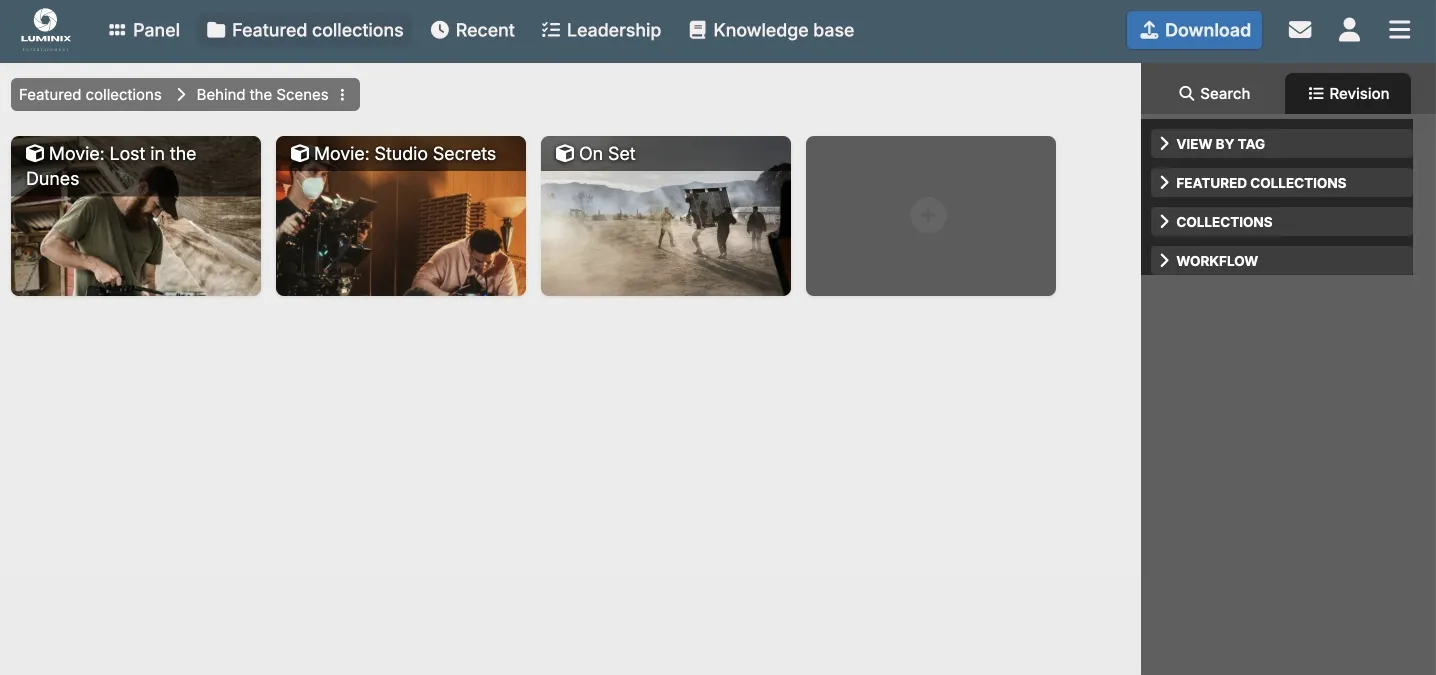
A well-known “library-style” DAM approach: central repository, structured metadata, and the kind of flows teams expect from a mature DAM. It’s often chosen by organizations that need a classic DAM foundation and prefer self-hosting.
Phraseanet
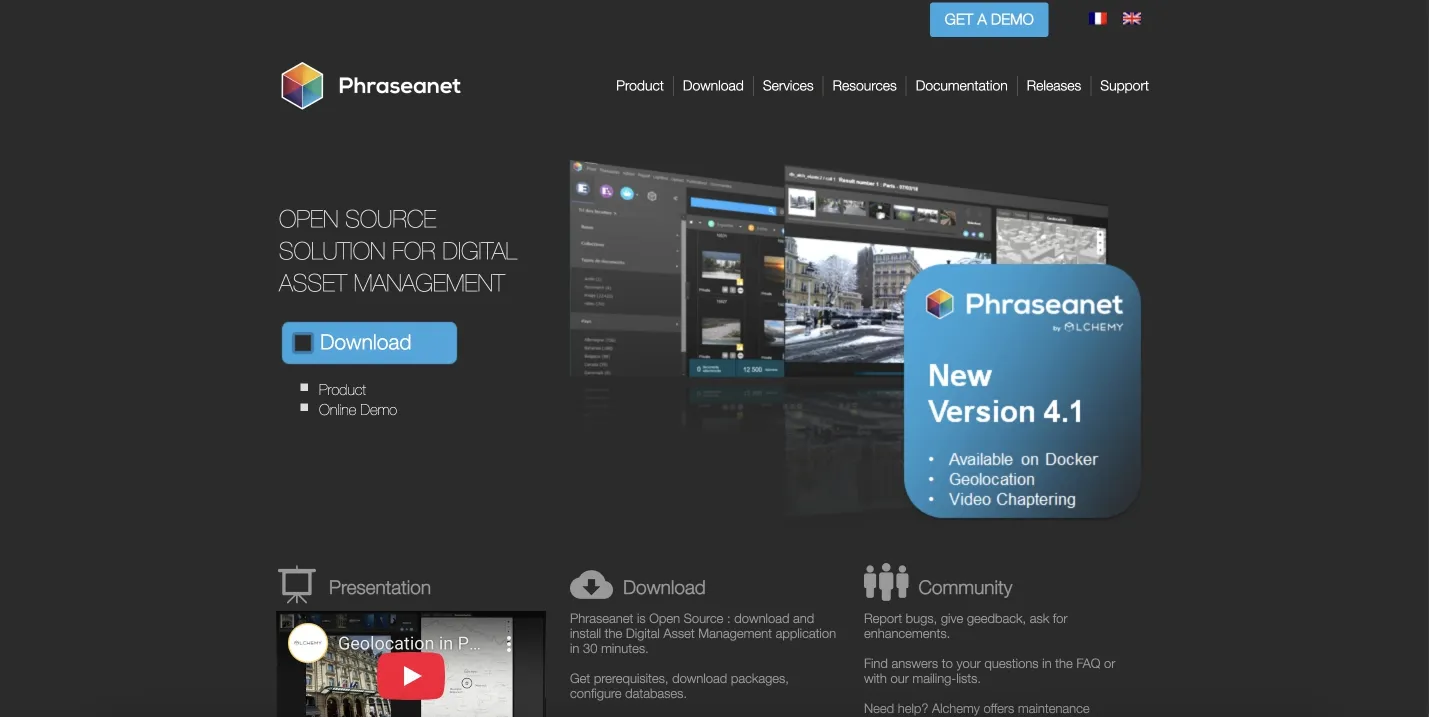
A true open source DAM (GPLv3) with strong cataloging DNA. If your team thinks in “collections, records, metadata discipline,” Phraseanet is usually a serious contender.
EnterMediaDB
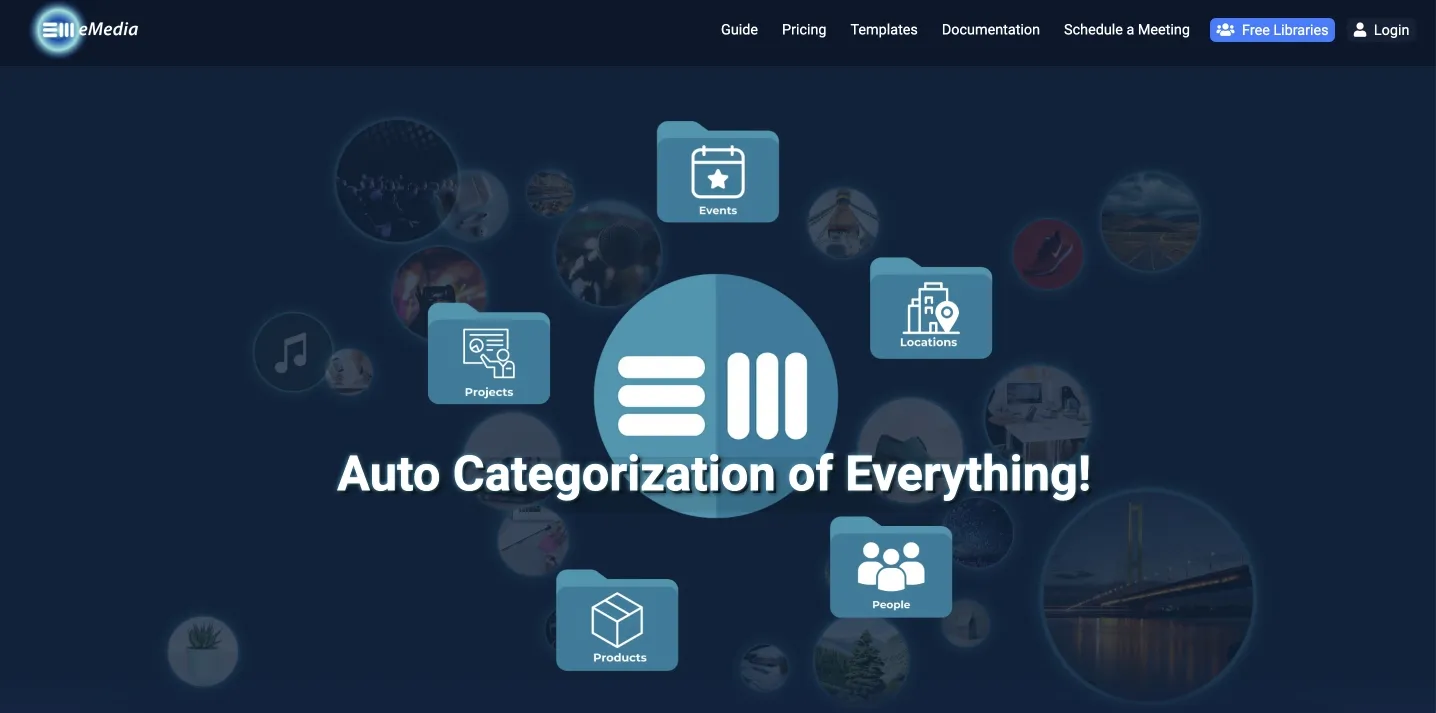
Often used to build a branded media portal with permissions, workflows, and APIs. If you have dev resources and want to tailor the UX to your org, this can be a practical platform-like choice.
hyperCMS
More of a “content and assets” angle. If you want DAM features but also think about publishing and structured content, it can work — just confirm what’s included in the free vs paid editions and how you’ll handle support long term.
Razuna
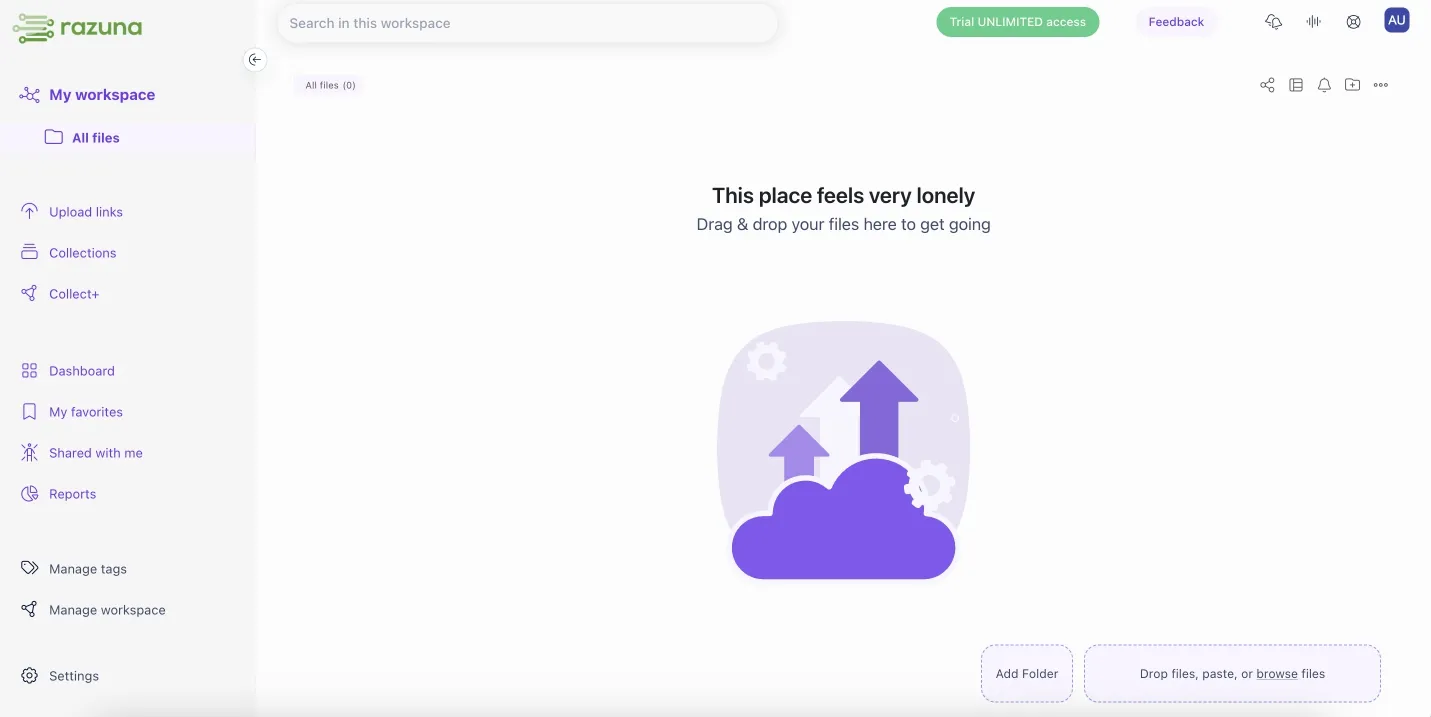
Historically popular, but treat it carefully as a legacy path unless you’re comfortable owning maintenance yourself. The public repo explicitly calls itself “legacy” and “not maintained” in that codebase.
Pimcore
Powerful platform approach with DAM as part of a broader stack (PIM/MDM/CMS patterns). Great when you want an API-heavy, extensible ecosystem — but the licensing model changed, and you should validate production-use rules for your situation.
Nuxeo
Often positioned more as a content services or enterprise content platform that can cover DAM-like workflows. Licensing is described as open source in official docs; still, validate how you plan to deploy and how fast you can get updates and support.
Open Source DAM vs Proprietary DAM
In practice, the choice is between more control (open source solution) and faster rollout with support (proprietary software).
Open source tends to win on:
- Self-hosting control;
- Customization;
- Avoiding vendor lock-in (in some cases).
Proprietary/SaaS tends to win on:
- Time to value (launch faster);
- Support and predictable upgrades;
- UX polish for non-technical teams;
- Built-in workflows (approvals, portals, sharing, permissions) without engineering time.
If your team needs a DAM because “people can’t find the right files” and “approved vs outdated is a mess,” the fastest fix is often a SaaS DAM — unless you already have the technical muscle to own a self-hosted platform.
What a SaaS DAM Gives You
A SaaS DAM typically focuses on reducing operational burden:
- No infrastructure overhead (hosting, patching, backups);
- Dedicated support;
- Faster onboarding for marketing and creative teams;
- Polished sharing flows (portals, permissions, expiry, branding).
If you’re evaluating a SaaS DAM alongside an open source solution, compare them on the same criteria: search quality, metadata bulk edits, version clarity, approval workflows, and external sharing controls.
A Realistic Implementation Plan
Choosing open source DAM software is the easy part. Making it work for real users is where most projects slow down — because the team underestimates what a DAM system actually needs to stay useful.
Start with one simple goal: make it easier to find and reuse approved digital assets than to re-create them. If your digital asset management strategy doesn’t reduce friction for content creation, people will fall back to folders, chat threads, and personal drives.
A practical rollout usually has three phases.
First, define your baseline. Pick a small set of digital media assets you use constantly (brand visuals, product media, sales collateral, templates). Put them into a single centralized repository and decide what “approved” means. This is also the moment to agree on version control: when a file changes, how do users know what’s current, what’s outdated, and what should never be shared?
Second, build a lightweight metadata model that matches how people search. Start with five to eight fields that cover daily work (campaign, product, region, usage rights, status, owner). Make them easy to apply with customizable metadata rules and bulk edits. Advanced search only becomes “advanced” when the metadata is consistent.
Third, lock down access control early. Open sharing feels helpful until it isn’t. Use user permissions to limit who can edit, approve, or publish assets, and keep external sharing predictable — especially when files are embedded on third party sites. If your team needs audit trails, decide that upfront, because retrofitting governance is painful.
Finally, budget for user training. Even the best open source digital asset management software will fail if people don’t understand where assets live, how to search, and how to request changes. A short onboarding guide and a weekly “library cleanup” routine during the first month will do more for adoption than any feature list.
Conclusion
Open source DAM can be a great choice — but it’s best treated as a platform project, not a “download and forget” tool.
If you have the team to maintain it, want deep customization, and need control over self-hosting, open source can give you long-term leverage.
If you need a DAM to solve real workflow problems fast (find files in seconds, stop sharing outdated versions, simplify approvals and external sharing), a SaaS DAM is often the more predictable route.
Did you enjoy this article? Give Pics.io a try — or book a demo with us, and we'll be happy to answer any of your questions.
FAQ
Is open source DAM really free?
The license can be free, but you still need to budget for hosting, implementation, maintenance, and upgrades.
How do I know if a DAM is truly open source?
Check the license and production-use rules. Some tools are open core — Pimcore’s POCL change is a good reminder to validate the current model.
What’s the risk of choosing an inactive project?
You end up owning everything: fixes, security updates, and compatibility. Razuna’s public repo being labeled legacy is exactly the kind of signal you should take seriously.
What’s a good open source DAM for archives and structured catalogs?
Phraseanet is commonly considered a strong match for that type of workflow.
Author

Vladimir Mikheev consults on digital asset management and writes regularly for the Pics.io blog. Since 2019, he has supported over 400 organizations with DAM rollouts and workflow optimization, delivered 900+ demos, and helped align sales, marketing, and product teams around shared processes.


